Tips & Guides
Guides, tutorials, and inspiration to help you get the most out of Fashion Studio AI — from first try-on to full content workflow.
Start with your goal
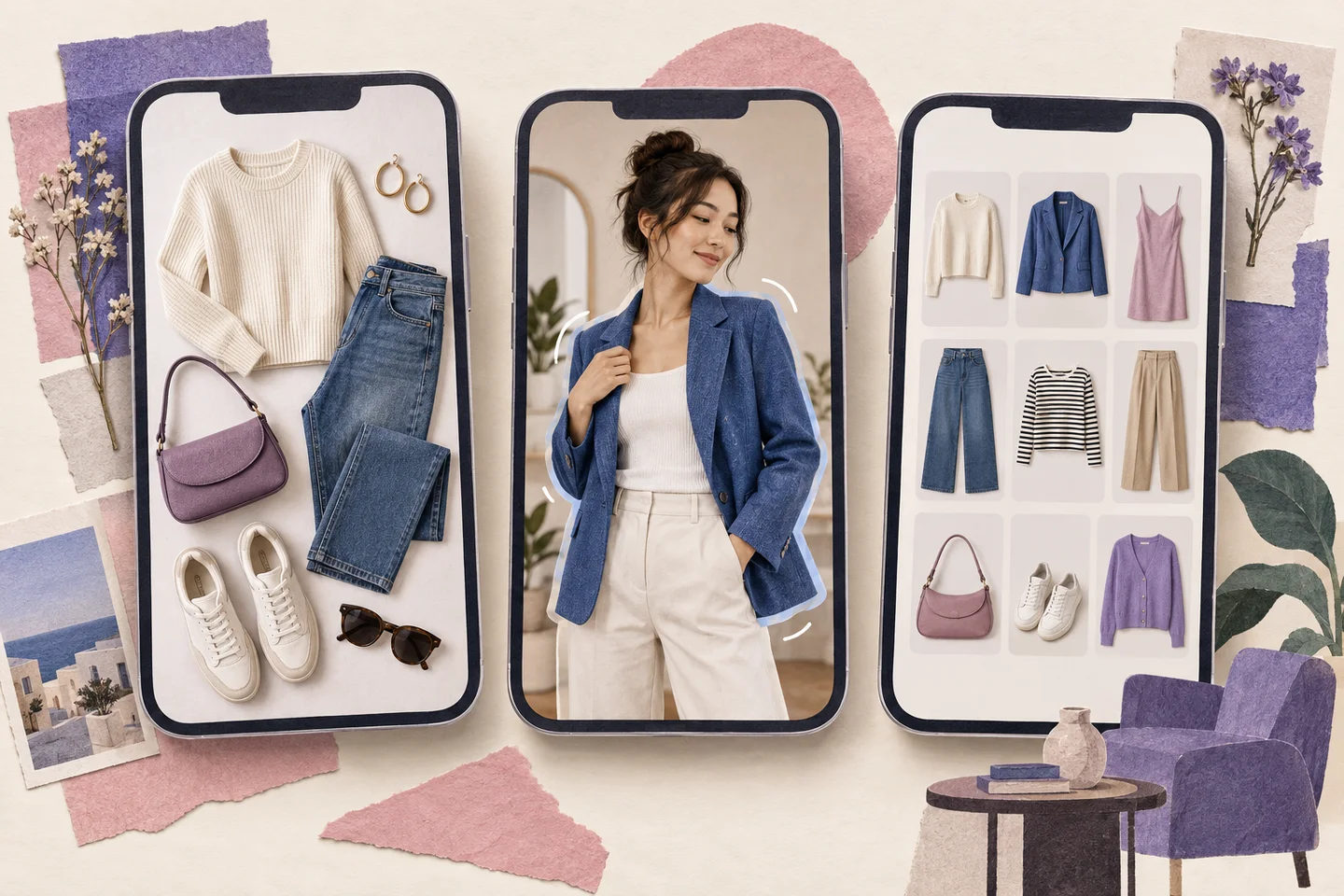
Virtual Try-On and Wardrobe Apps: What to Compare
Compare virtual try-on, wardrobe planning and human styling as different jobs, with current source links.
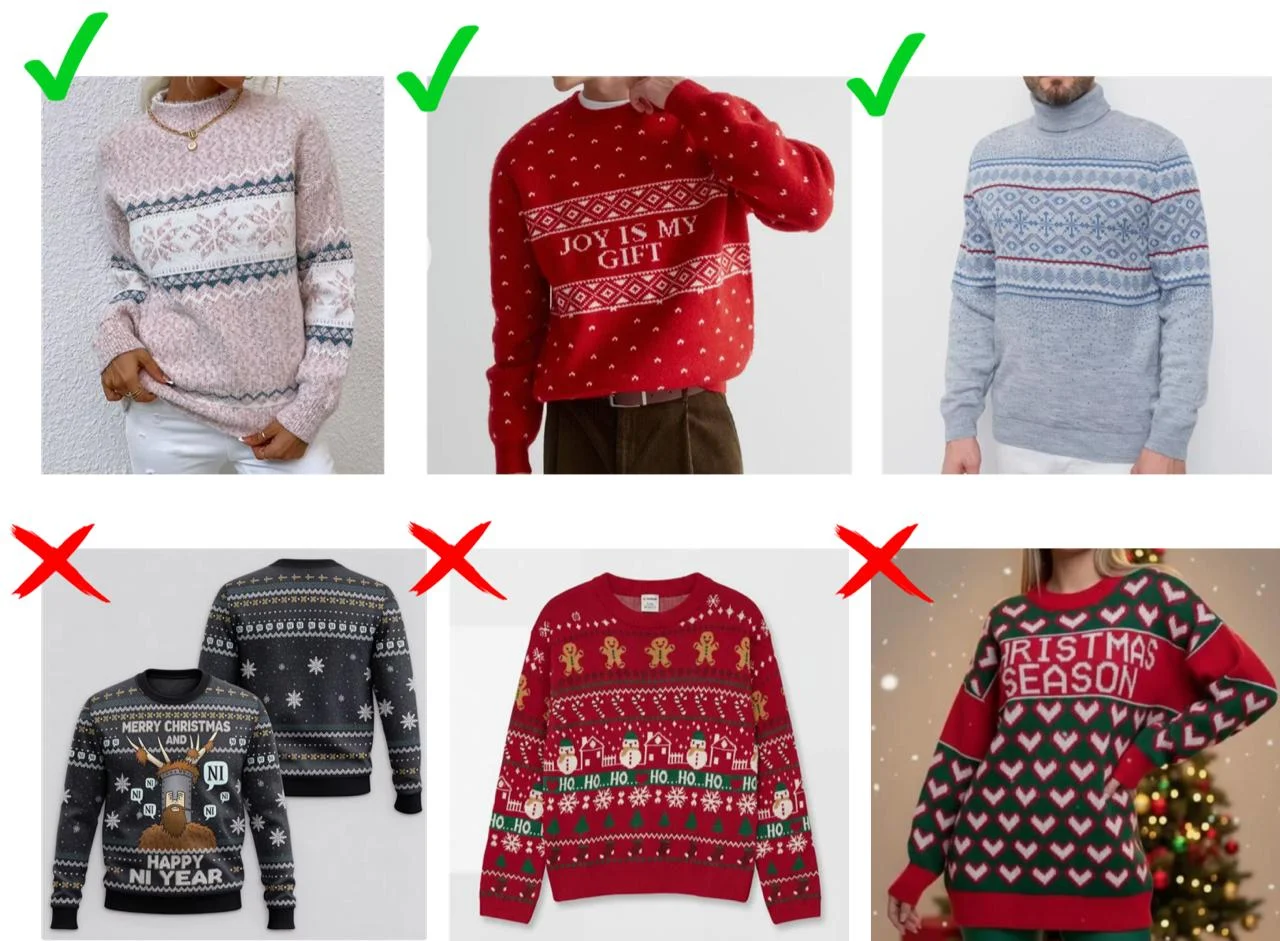
How to Choose Seasonal Graphics You Can Wear After the Holiday
A festive piece can earn a place in your everyday wardrobe. Start with the pattern, then consider the words, colours and outfits you will actually wear.
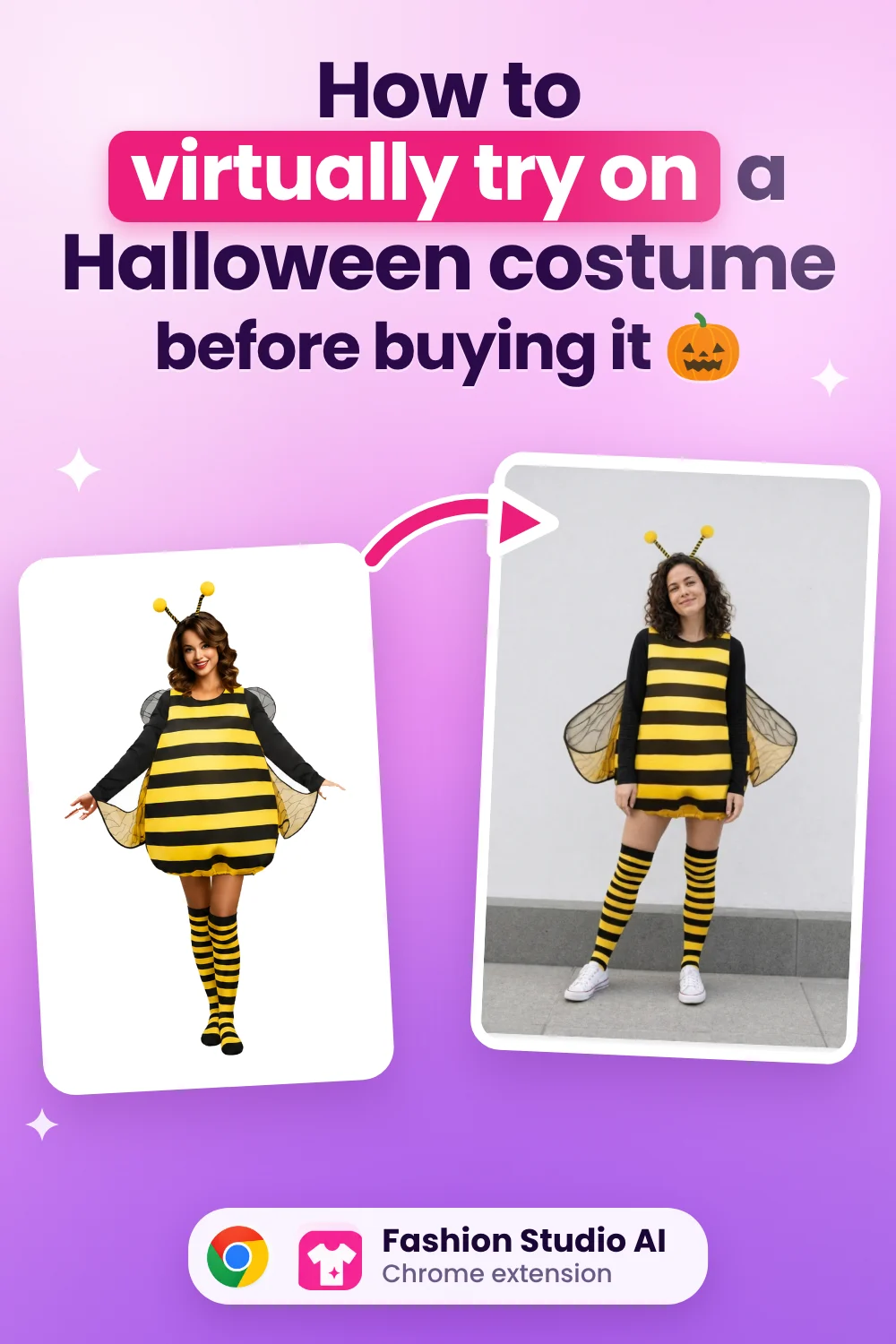
How to Virtually Try On a Halloween Costume Before You Buy It
Found a costume you love? See a preview on your own photo before deciding what to order.
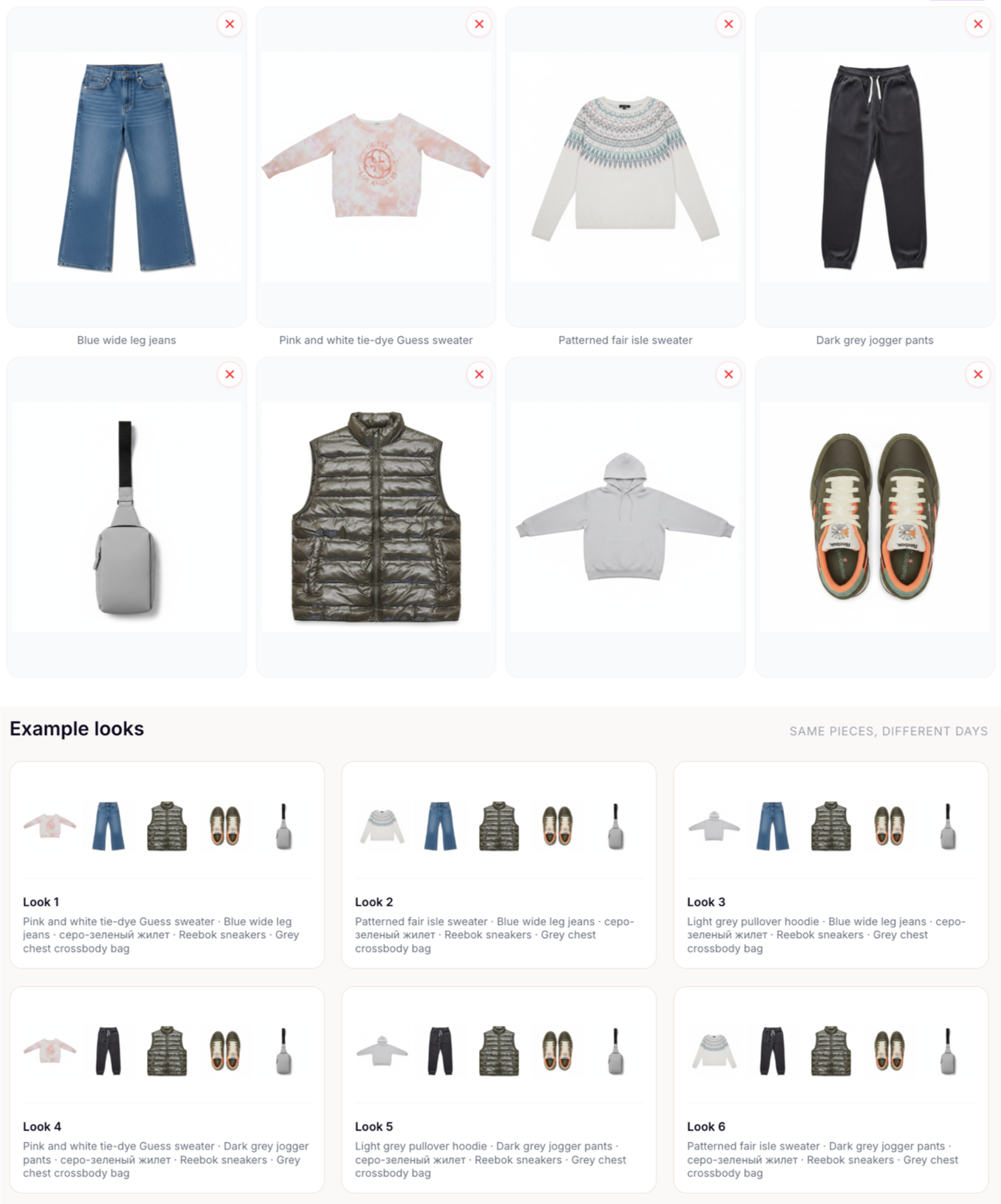
What Is a Capsule Wardrobe, and How Many Items Do You Need?
Build a reusable set of clothes, with a bag, accessories and weather in mind.
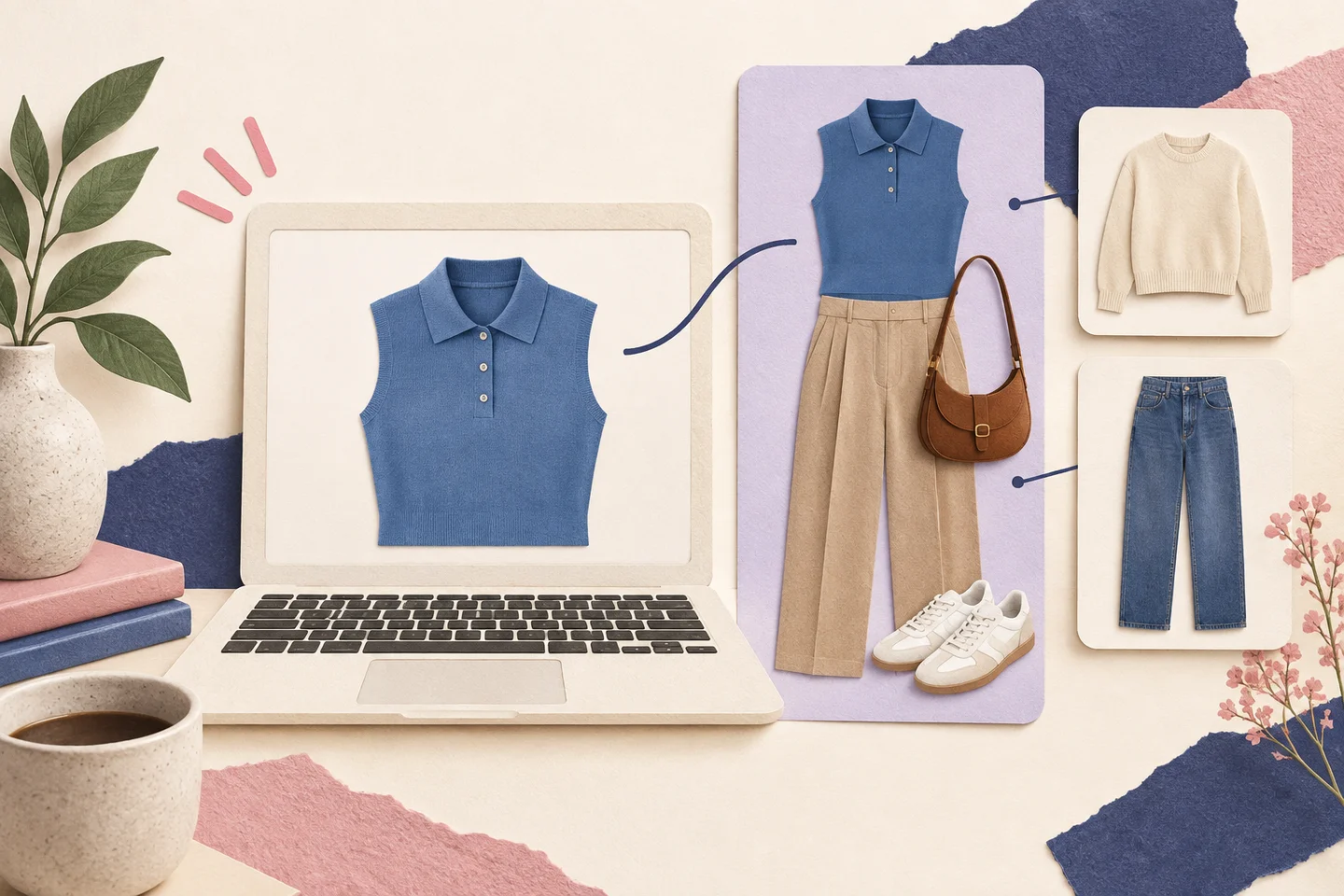
Check a Purchase Against Your Wardrobe Before Buying
Use Style with my Wardrobe to select a shop item, review matches with your own clothes and keep possible purchases in Wishlist.
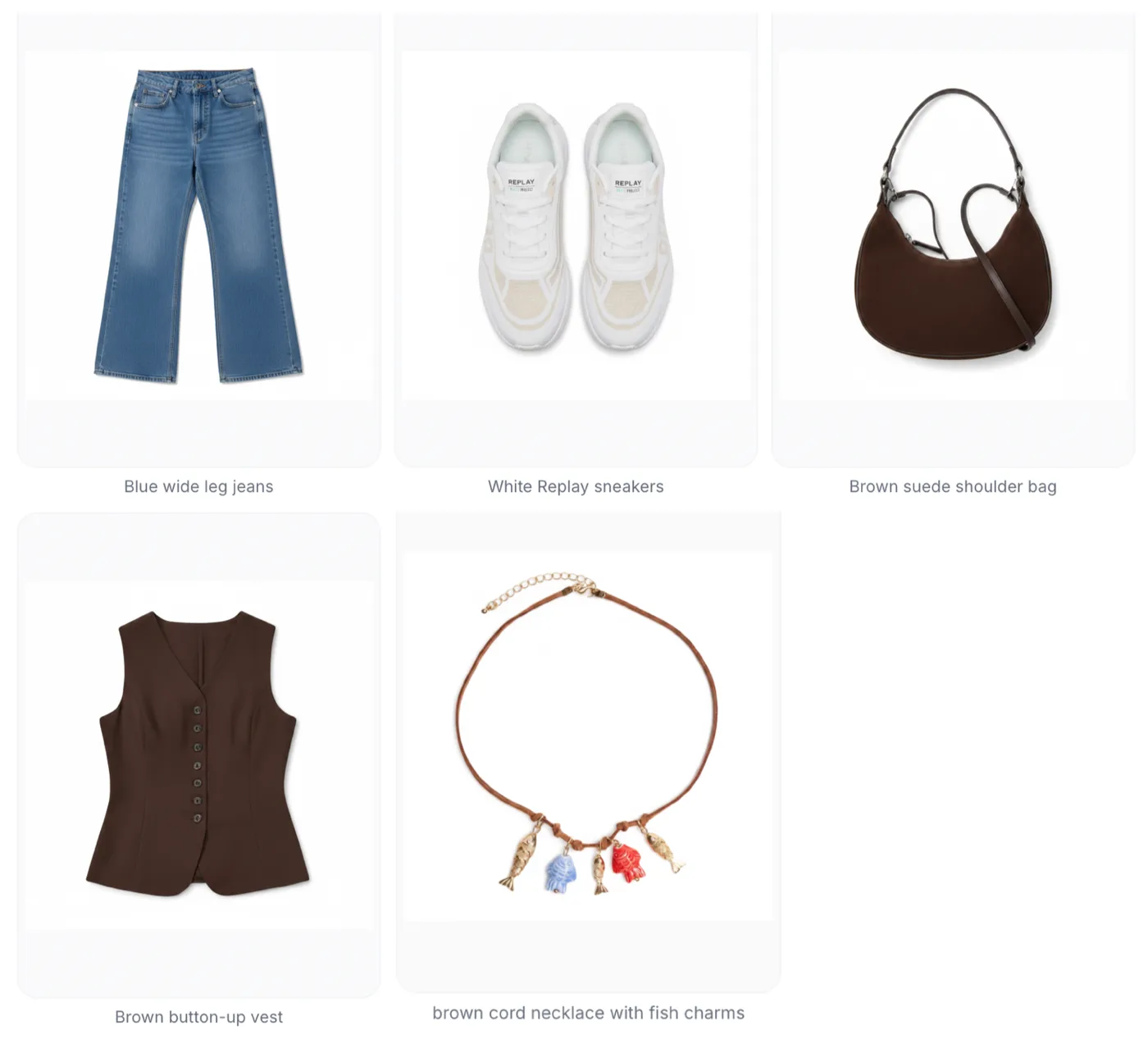
What to Wear Today, Based on Actual Weather
Use the actual conditions, including cooler evenings, to choose practical outfits.
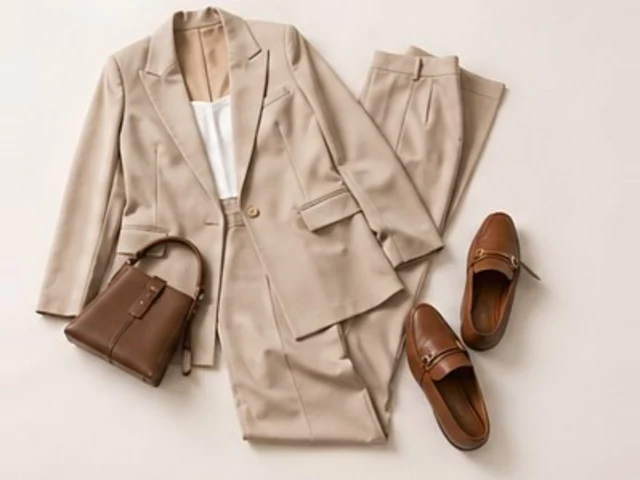
AI Outfit Suggestions That Use Your Wardrobe
Build outfits from clothes you own, choose an occasion, review the suggested pieces and save combinations you would actually wear.
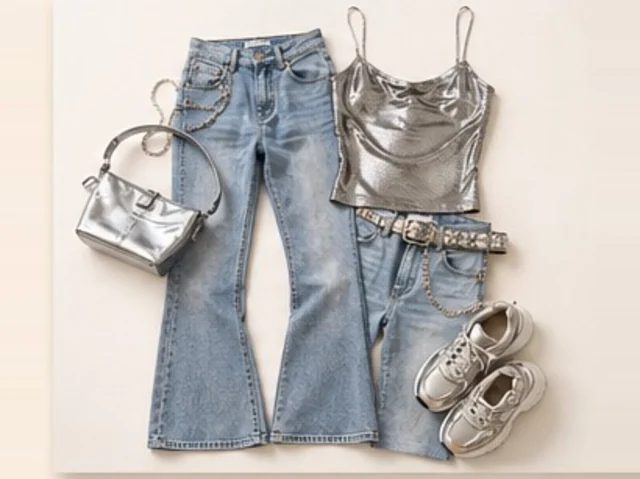
What to Pack for Five Days: Plan Outfits from Your Wardrobe
Build a five-day clothing plan around activities and temperatures, compare manual and AI capsules, then review your PDF or printed packing list.
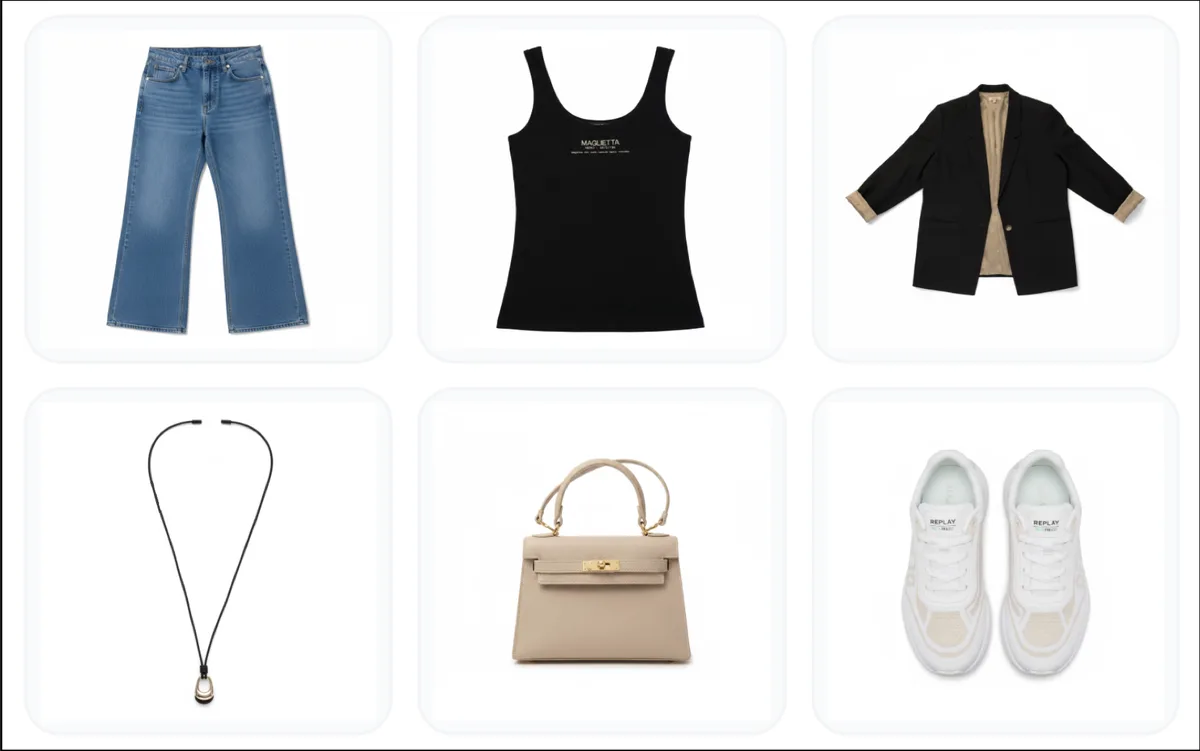
How to Digitise Your Wardrobe, One Useful Set at a Time
Add useful pieces first, check the AI labels and keep owned clothes separate from your Wishlist.
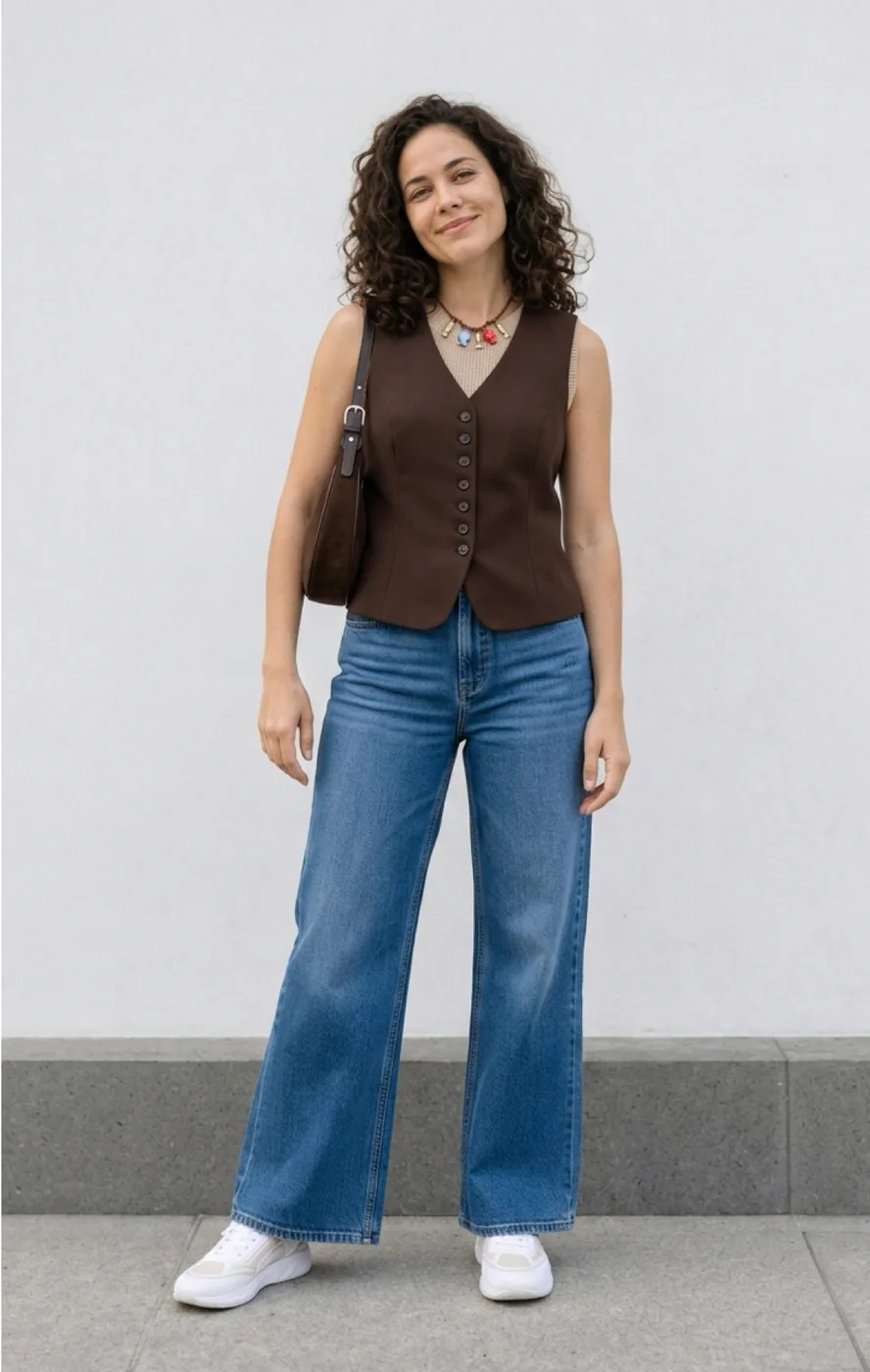
How to Try On Clothes Online Before You Buy
Choose an exact product image, preview it on your photo and keep the generated try-on separate from the item saved to Wishlist.
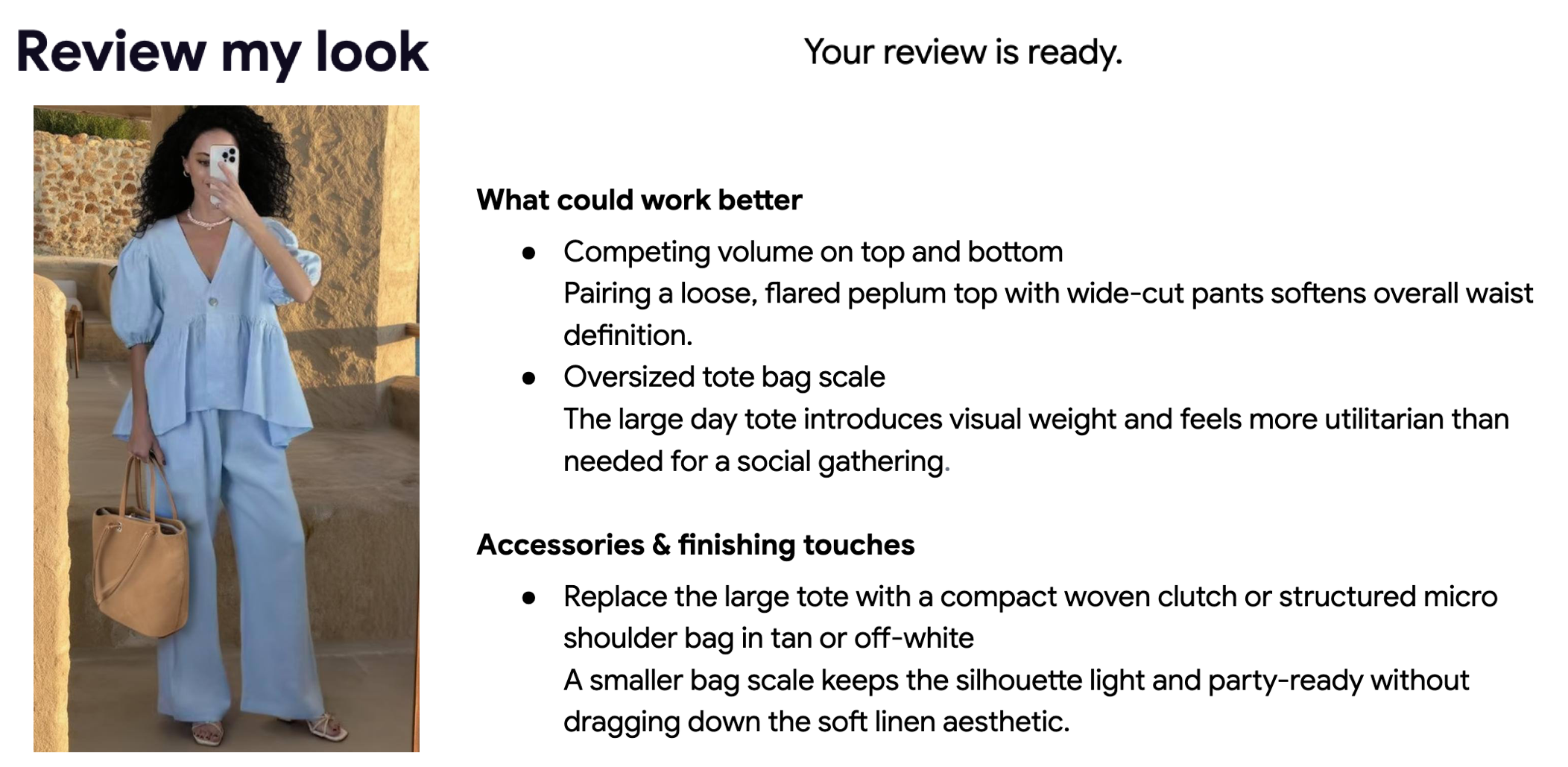
The Fashion Influencer AI Workflow: Create More Content in Less Time
Plan a set of looks, review the details and export only the views you mean to share.
AI Virtual Try-On vs Traditional Shopping: A Complete Comparison
Use virtual previews for visual decisions and physical fitting for the details a picture cannot measure.
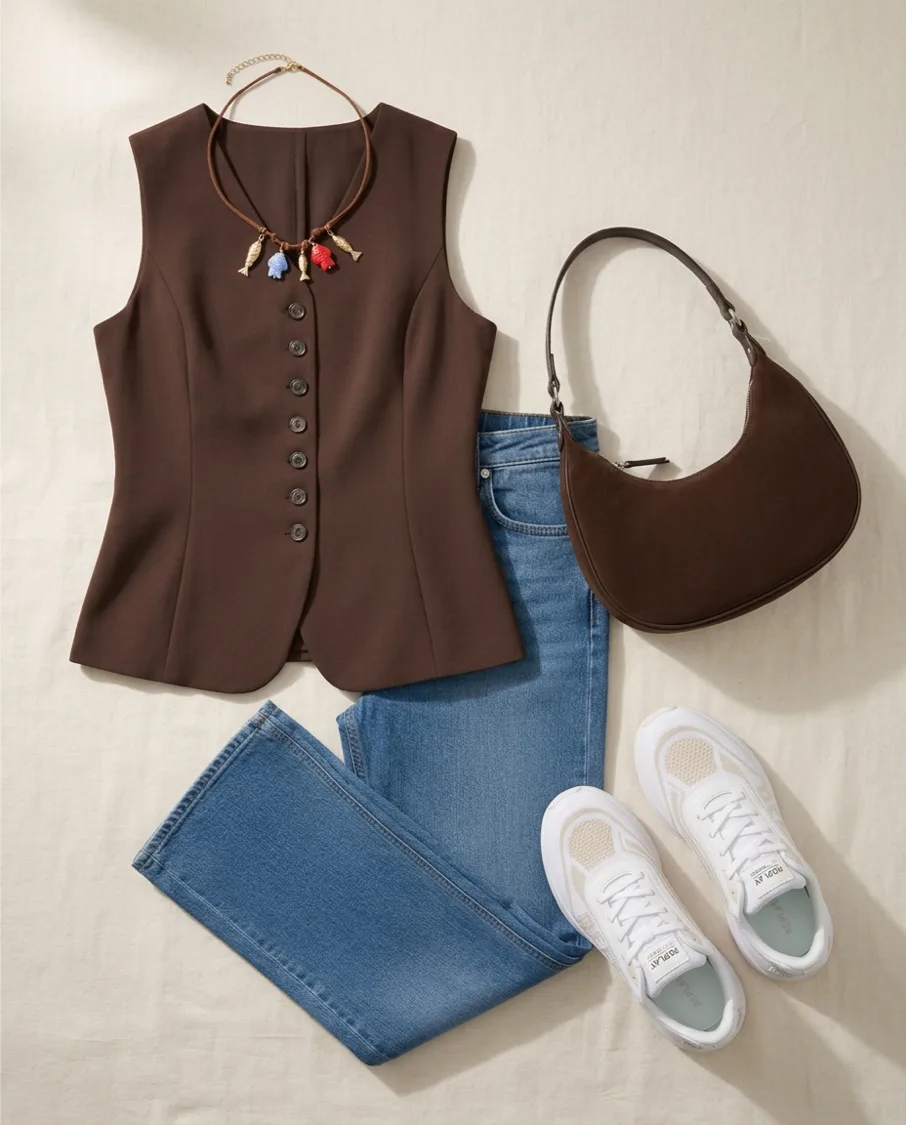
Mastering AI Flat Lay Photography with Fashion Studio AI
Make clear garment cards and outfit collages, then check that important product details survive processing.
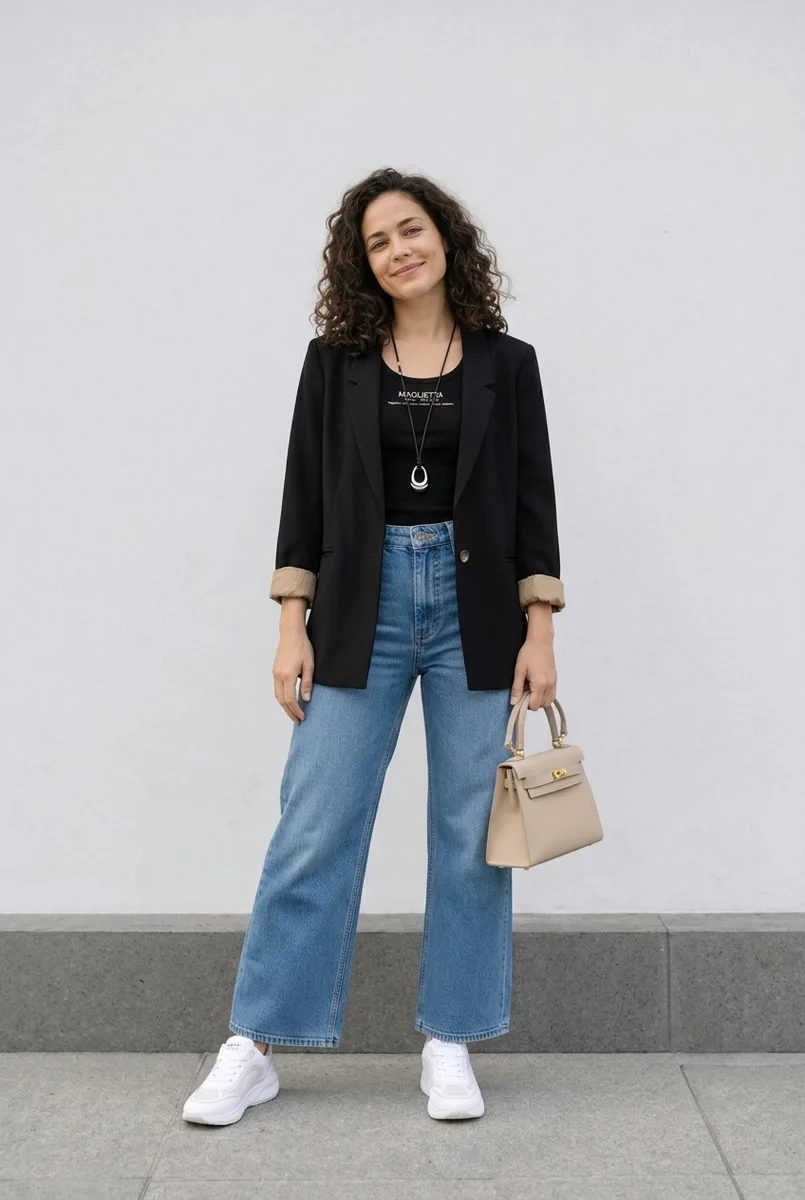
How to Use Virtual Try-On: Complete Setup Guide
Set up your account, select the right person and garment photos, and save the result you intend to keep.