Check a Purchase Against Your Wardrobe Before Buying
Use Style with my Wardrobe to select a shop item, review matches with your own clothes and keep possible purchases in Wishlist.
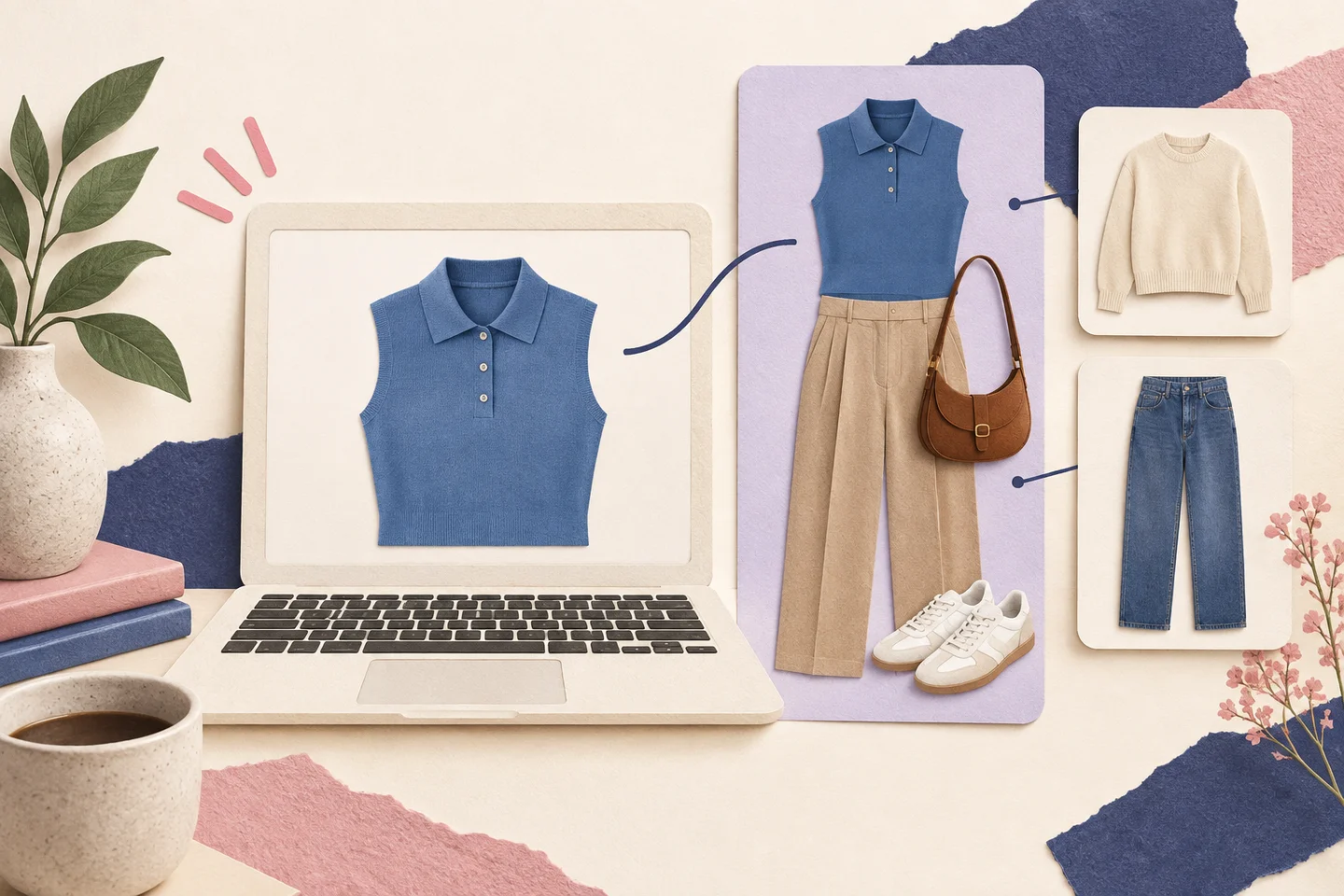
Use Fashion Studio AI’s Chrome extension to check how a possible purchase could work with clothes already saved in your Wardrobe. Style with my Wardrobe prepares the selected garment for What Goes With This? on the website. You review the combinations before deciding whether to buy.
Who it is for and what you need
This is for shoppers trying to avoid buying an item with no useful outfit partners. Use Chrome and the extension, sign in with your website account and add a varied selection of clothes you own. Product-image access varies by shop; a preview may need a clearer image or a direct upload.
Five steps from product image to wardrobe matches
- 1.Open the product page, select the exact image and verify the variant. Check the product name and source page where available; neighboring products and carousel images may look similar.
- 2.Choose Style with my Wardrobe. If the image contains several garments, review the detected pieces and select the individual item or items you mean to style.
- 3.Review the saved Wishlist cards. Styling prepares selected pieces separately; follow the Style it with Ailsa link for the intended piece to open the matching workflow on the website.
- 4.In What Goes With This?, review the selected garment and look for partners in your owned wardrobe. Check the actual item cards and whether any proposed piece is still only a planned purchase.
- 5.Keep combinations you would wear, or skip the purchase if they do not meet your needs. Try-on is a separate visual check; saving to Wishlist does not buy the item or move it into owned clothes.
Separate the new garment from what you already own
In the cover illustration, the new blue polo is paired with beige trousers, sneakers and a brown bag. That is an editorial example, not a logged generation. For a recorded public product example, the site’s What Goes With This? demonstration shows a selected teal sweater combined with jeans, a trench coat and white sneakers. Its other displayed combinations use wide-leg trousers and a blazer, or black trousers and a shoulder bag. These are displayed examples, not promises about your wardrobe.
| Record | Purpose | What to verify |
|---|---|---|
| Wishlist garment | An item you may buy later | Exact selected piece, image, available shop name and source URL |
| Owned wardrobe item | A piece you already have | Category, availability, comfort and whether it is ready to wear |
| Saved outfit or try-on | A combination or generated visual | Which pieces are real, planned or missing; AI image accuracy |
Costs and practical limits
Check Pricing for plans, allowances and AI action costs. Image processing, styling and try-on can have separate costs; review the applicable action before starting. Not every page exposes a usable product image, and detection can miss or combine pieces. An attractive match does not establish fit, fabric, weather protection, retailer stock or a reason to buy.
See current plans and AI action costs
Check one item before your next purchase
Get the Chrome extension for wardrobe-aware shopping
Open What Goes With This? on the website
Ready to try it yourself?
Explore try-on examples and create outfits with Fashion Studio AI.
Add to ChromeFrequently asked questions
How is this different from virtual try-on?
What Goes With This? finds outfit partners for a selected garment. Try-on generates an approximate image of clothing on a person photo. Neither guarantees physical fit.
Does Style with my Wardrobe save a purchase as owned?
No. Selected shop pieces are prepared as Wishlist items. Review the cards and move items to owned clothes only when appropriate.
What if a photo contains a whole outfit?
Review the detected garments and select the pieces you intend to style. Check each resulting card; if detection fails, use a clearer image of the intended garment.
Will the shop link always be correct?
Source information depends on the page and extraction. Check the saved source URL and variant against the retailer’s product page before buying.
Last checked October 8, 2026 · Fashion Studio AI