Virtual Try-On and Wardrobe Apps: What to Compare
Compare virtual try-on, wardrobe planning and human styling as different jobs, with current source links.
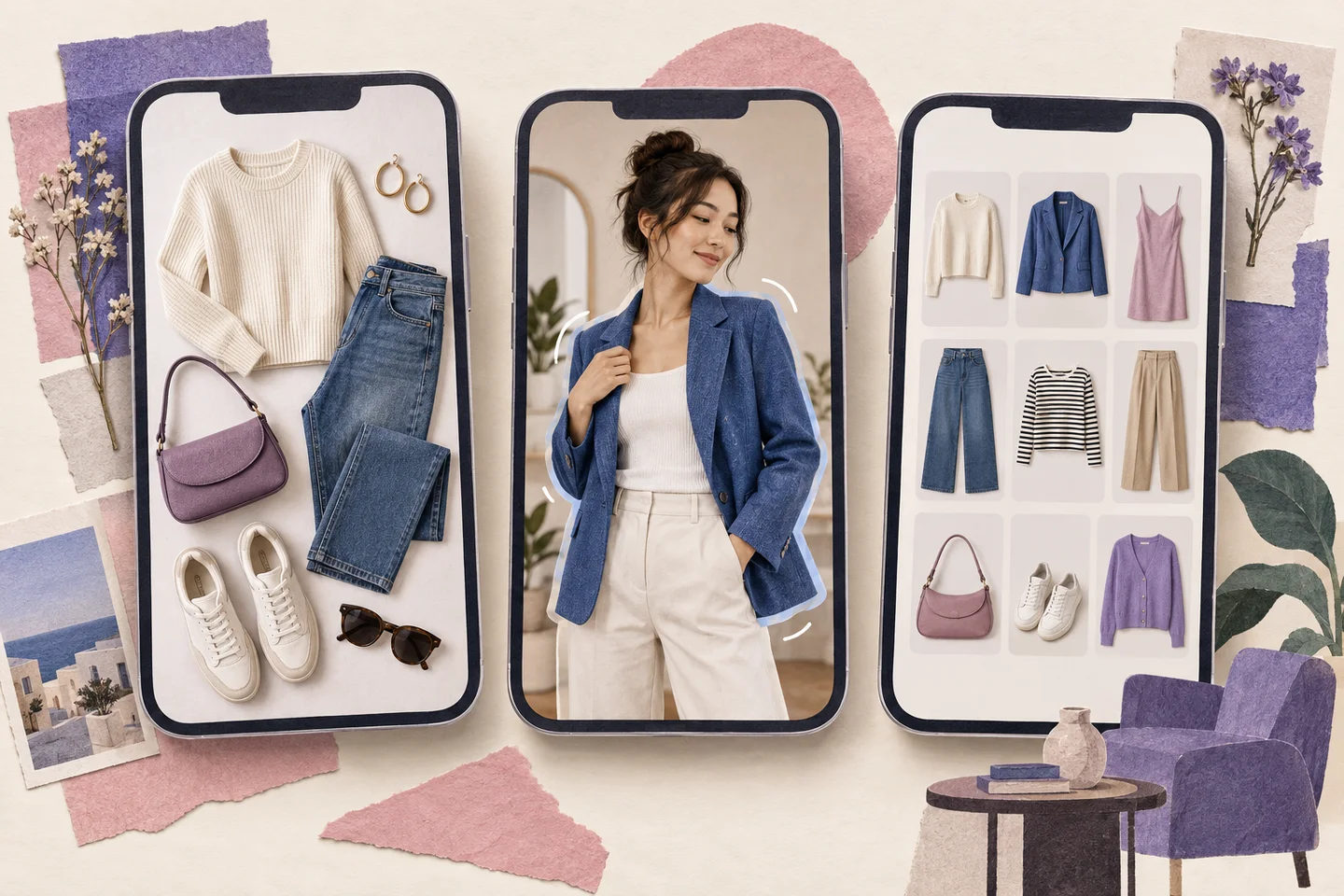
The right tool depends on what you want to do. Keeping a wardrobe catalogue, arranging clothing boards, generating an outfit on a person and working with a human stylist are different tasks. A feature list alone cannot establish which tool will work best for your clothes.
Start with the job
- For Fashion Studio AI, test product-image try-on, wardrobe matching, Review My Look, AI capsules and free manual capsule building.
- Acloset documents virtual try-on, automatic garment registration, AI styling and shopping imports.
- Whering describes wardrobe organization, daily styling, social features, packing and wardrobe statistics.
- Stylebook offers an iPhone/iPad wardrobe app; check its feature pages for the planning tools you need.
- Indyx describes a digital wardrobe, manual outfit building and optional personal stylist support.
- Pureple presents itself as an outfit planner and closet organizer; check the current app listing for detailed availability and limits.
Acloset — current feature documentation
Whering — official product information
Try a realistic sample
Use the same person photo and familiar garments wherever the workflow supports them. Include shoes, a bag and accessories, and specify weather for a trip. Check whether the tool preserves the garment’s neckline, sleeves, print and color. For a board-only workflow, judge outfit composition rather than expecting a try-on image.
Compare the total workflow
Look at the time needed to correct labels, save results, revisit a capsule and export it. In Fashion Studio AI, a manual capsule can hold up to 30 items and is free to save; its optional AI look generation costs 3 credits for up to 10 outfits.
We build Fashion Studio AI, so this is not an independent league table. Check each product’s current pricing and device support before subscribing, and use retailer measurements rather than generated images to decide size.
Ready to try it yourself?
Explore try-on examples and create outfits with Fashion Studio AI.
Add to ChromeFrequently asked questions
Does virtual try-on guarantee fit?
No. A generated image is a visual aid, not a physical fitting or measurement.
Is this an independent ranking?
No. It is a workflow comparison written by Fashion Studio AI with links to the other products’ official information.
Last checked September 27, 2026 · Fashion Studio AI