How to Use Virtual Try-On: Complete Setup Guide
Set up your account, select the right person and garment photos, and save the result you intend to keep.
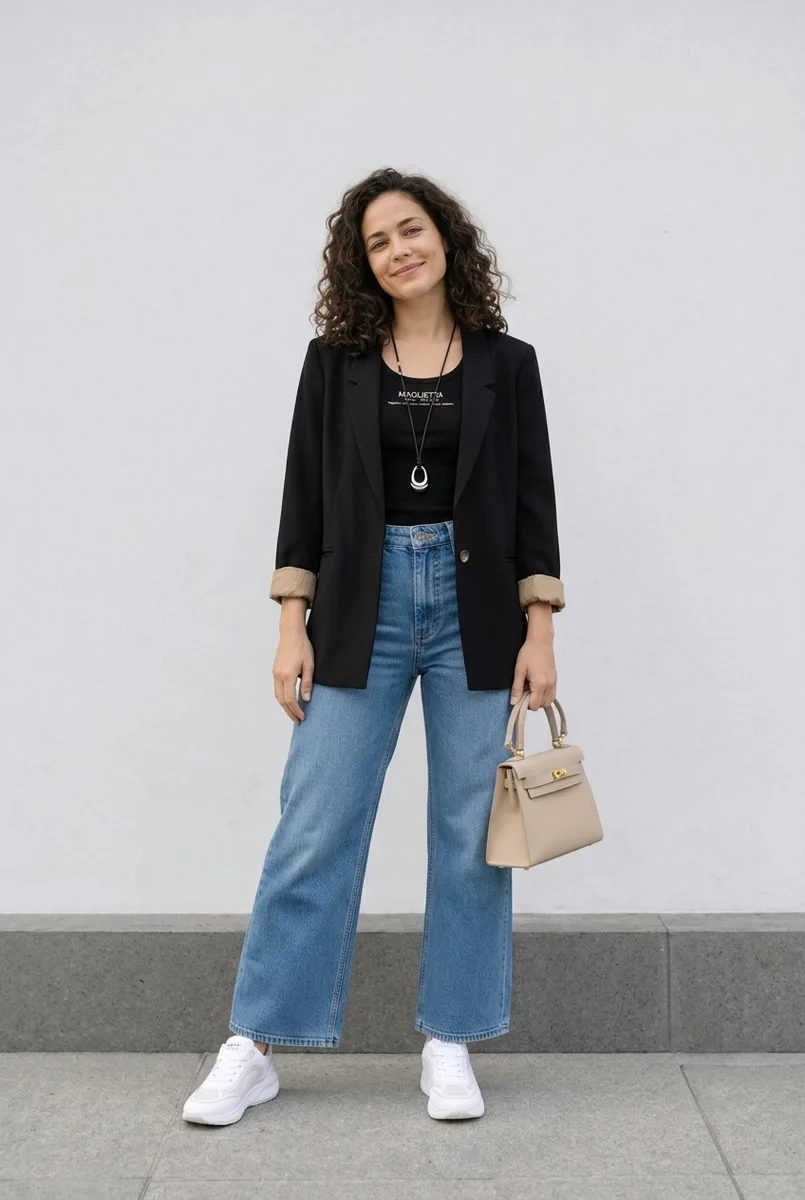
Virtual Try-On needs a person photo and a garment image. Sign in with the account you use on the website so your wardrobe, saved photos and results stay together.
Set up a useful photo
Use even light, a clear view of your body and clothing that does not hide your outline. Confirm the selected person photo before each try-on. A shop model’s pose should not determine your pose, but difficult or overlapping arms can still produce generation errors.
Select the garment carefully
In the extension, choose the exact product image and verify its preview. On search pages, neighboring products may have similar colors but different sleeves or cuts. Open the product detail page or upload the image directly if the selection is uncertain.
Generate and review
Start Try On and follow the progress in its result window. Check the neckline, sleeves, print and body anatomy in the result. Processing time varies; there is no guaranteed few-second completion. The credit cost is displayed before the action.
Save a result or save an item
Save a try-on to keep the generated image in My Outfits. Save to Wishlist to keep the garment you are considering. For a photo containing multiple pieces, choose the pieces to transfer instead of saving the whole outfit as one blouse.
Use the retailer’s size chart and measurements for fit. Virtual try-on helps visualize an outfit, but cannot establish exact size or fabric behavior.
Ready to try it yourself?
Explore try-on examples and create outfits with Fashion Studio AI.
Add to Chrome