What to Wear Today, Based on Actual Weather
Use the actual conditions, including cooler evenings, to choose practical outfits.
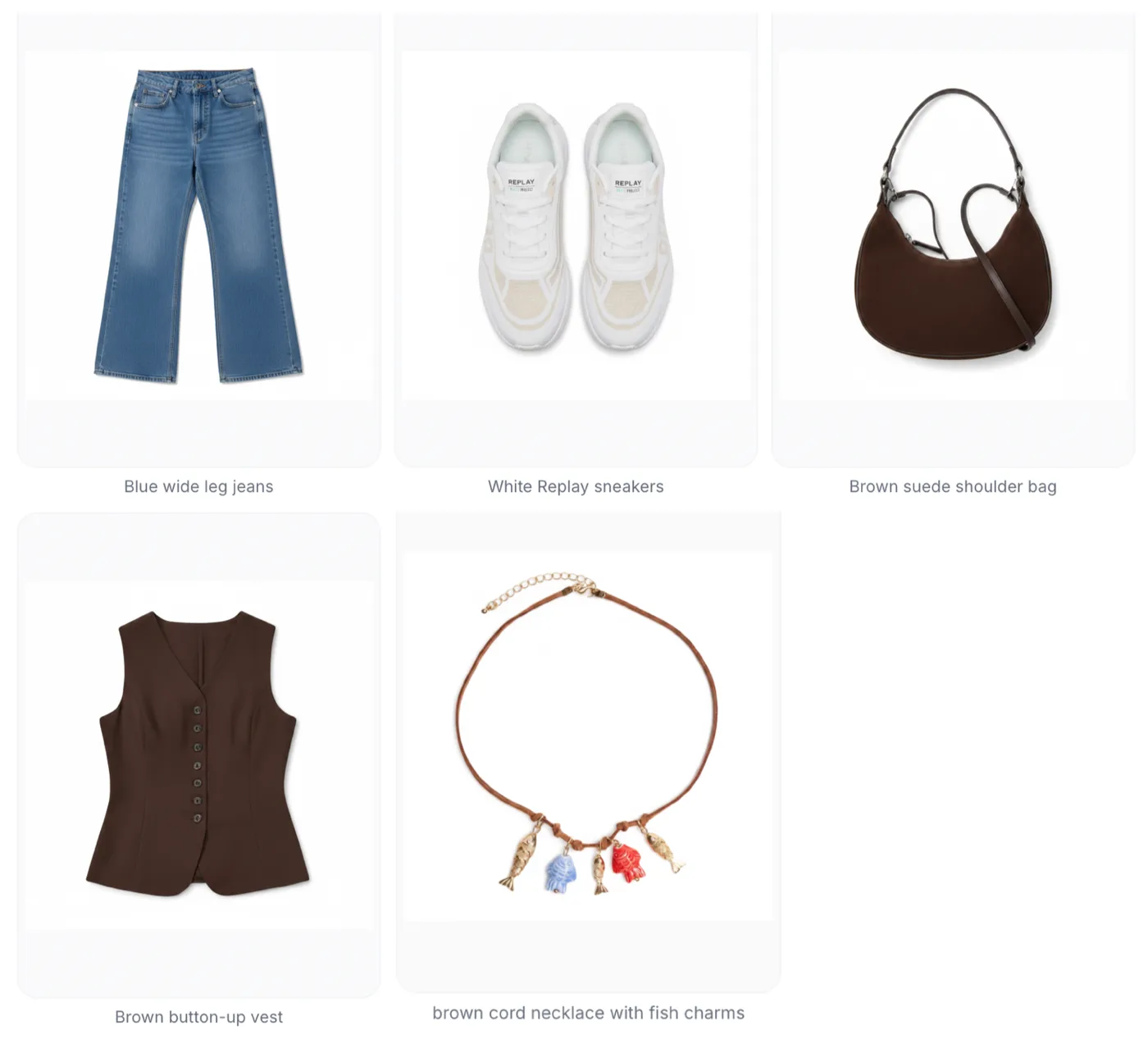
A seasonal label is only a starting point. An autumn day can be warm at lunch and cold after sunset. Check the forecast and the activities you will be doing before choosing clothes.
Think about both ends of the range
If you expect 13–14°C by day and 10°C in the evening, say both. A removable layer may matter more than changing the whole outfit. Rain, wind and time outdoors can also change what is practical.
A range does not assign a different temperature to each day. Do not interpret evenly spaced numbers between a minimum and maximum as a real forecast. For future travel beyond the available forecast, provide your expected range and check it again nearer departure.
Check the garment information
An outfit tool can only use the information it has. Review the warmth and category of jackets, sweaters and shoes. A missing warmth label is uncertainty; it should not be treated as evidence that a garment is suitable for every temperature.
Use Fashion Studio AI with context
Outfit of the Day uses weather when available for the selected location. In the AI capsule flow, include temperature in your description or enter the lowest and highest values when prompted. An explicit range takes priority over a generic seasonal assumption.
Review before you leave
Check the forecast yourself, especially for rain or unusual conditions. For a capsule, review the layer, shoes, bag and accessory together. Add personal comfort preferences to the request: two people may prefer different layers in the same weather.
Use “13–14°C daytime, 10°C evening, mostly walking” rather than only “autumn city break.” The extra context is short and directly affects what the outfit needs.
Ready to try it yourself?
Explore try-on examples and create outfits with Fashion Studio AI.
Add to ChromeFrequently asked questions
Will the app guess missing capsule temperatures?
The capsule preparation asks for the lowest and highest expected temperatures when they are absent.
Is a temperature range a daily forecast?
No. It states the conditions the clothes should cover; a forecast needs location and date-specific weather data.
Last checked September 27, 2026 · Fashion Studio AI