How to Try On Clothes Online Before You Buy
Choose an exact product image, preview it on your photo and keep the generated try-on separate from the item saved to Wishlist.
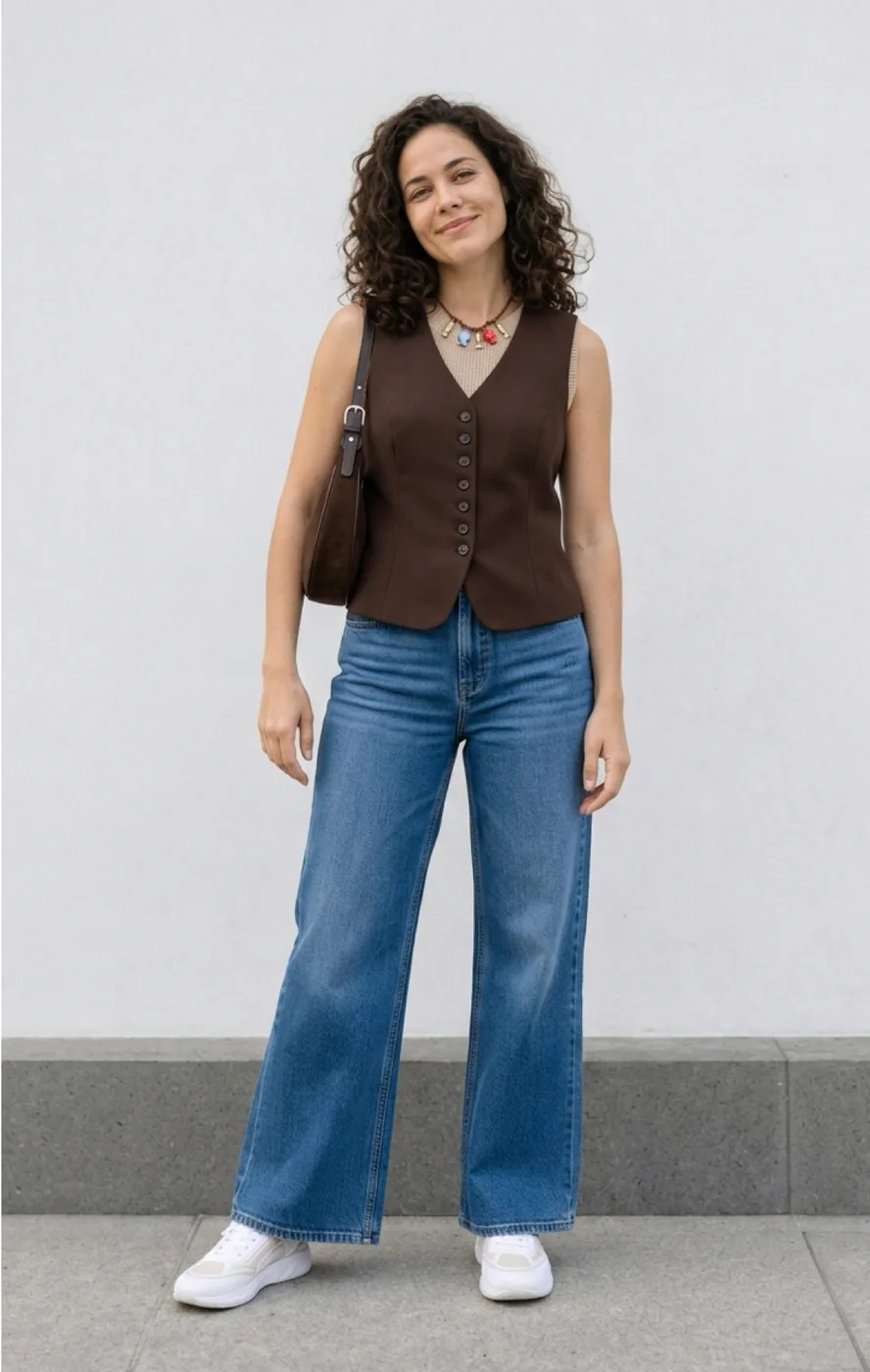
Virtual try-on combines a garment image and your selected person photo to make an AI preview. Use it to explore color and silhouette before buying. It cannot measure the garment or guarantee that a retailer’s size will fit.
Who it is for and what you need
This is for shoppers comparing an item before purchase. For the extension workflow, use Chrome with the Fashion Studio AI extension and sign in with the same account as the website. Prepare a clear photo of yourself and a product image showing the exact color and variant. Use photos you are allowed to upload.
From the shop to a reviewed result
- 1.Open the product’s own page. Right-click the exact image and choose the Fashion Studio AI try-on action. Check the preview, especially on pages with carousels or neighboring products.
- 2.Confirm the garment. If the photo contains several pieces or an unclear variant, select or upload a clearer image of the intended garment rather than assuming every pictured piece is included.
- 3.Choose your person photo in the extension. Even light, visible arms and legs and an unobstructed body outline help; check that the correct photo is selected.
- 4.Review the current credit cost and start Try On. Follow the progress window; generation time varies.
- 5.Inspect sleeves, neckline, prints, fastenings and anatomy. Save a result you want to keep to My Outfits; use Save to Wishlist separately for the garment and its available shop information.
A public example of the image chain
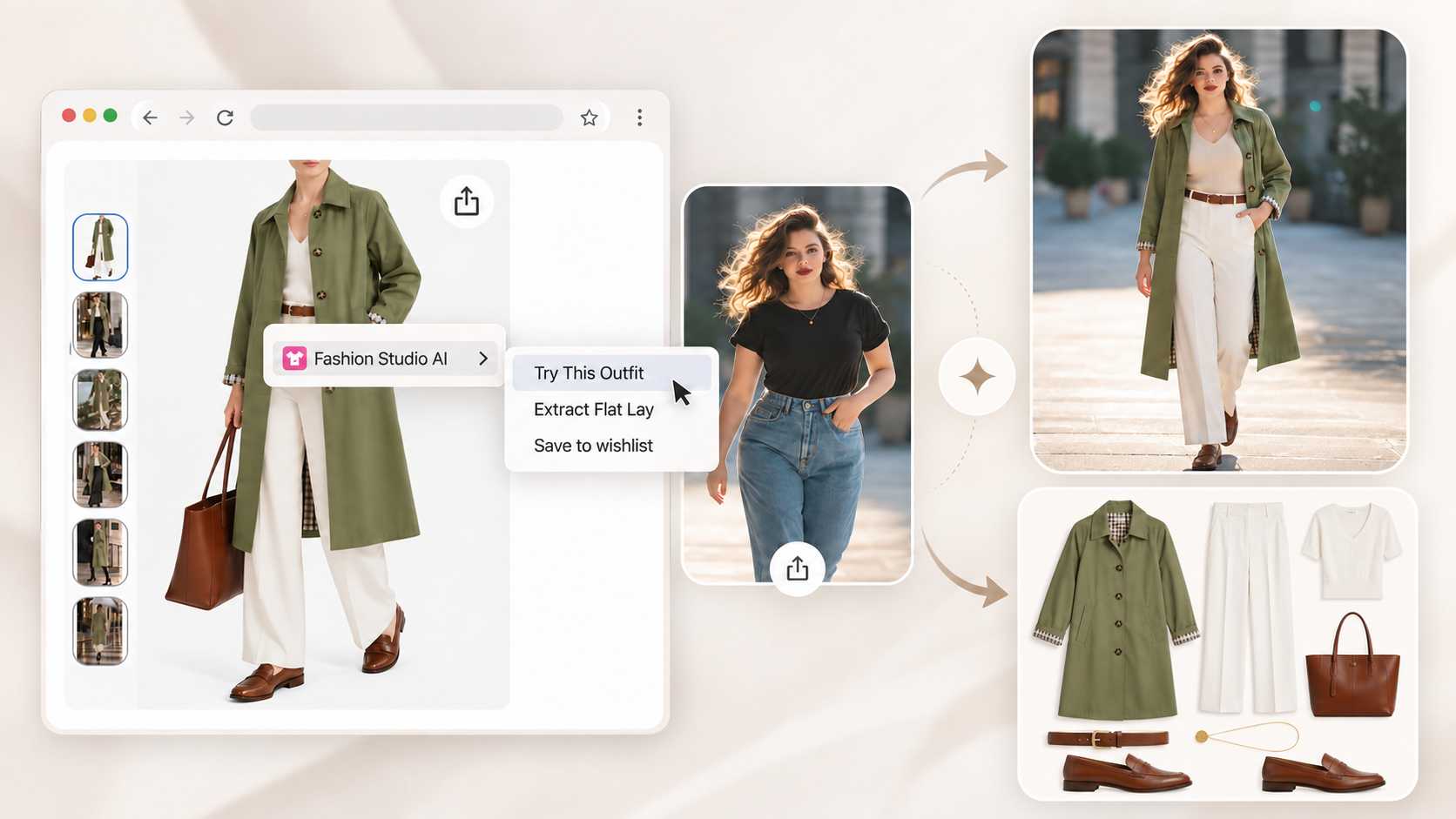
The illustrated shop image shows a green coat with light trousers. The selected person photo and generated preview are different records. Before using this process for your own purchase, verify that the coat in the preview matches the chosen variant; the accompanying flat lay does not establish fabric, size or stock availability.
Try-on and Wishlist save different things
Saving a try-on keeps a generated image of the person wearing a look. Save to Wishlist keeps the selected garment as a possible purchase, with source information where available. It does not buy the garment or mark it as owned. Check the resulting garment card after processing.
Costs and limitations
Check Pricing for current plans, credit packs, allowances and action costs, then check the price displayed before generation. Do not assume a fixed number of free guest tries. Complex poses, obscured garments and low-quality images can produce mistakes; inspect the output and use the retailer’s measurements, size guide and return terms for a purchase decision.
See current virtual try-on costs and allowances
Try it with a product you are considering
Get the Chrome extension and installation steps
Use virtual try-on on the website
Ready to try it yourself?
Explore try-on examples and create outfits with Fashion Studio AI.
Add to ChromeFrequently asked questions
Can this tell me which size to buy?
No. It produces a visual approximation. Use the retailer’s measurements and your own fit preferences when choosing a size.
Can I use the website without the extension?
Yes. The web Try-On workflow accepts a person photo and garment image. The extension helps select images while shopping in Chrome.
Why did it use the wrong item?
Search results, carousels and styled photos can contain similar or multiple products. Verify the preview, open the product detail page or upload a clearer image.
Does saving the result also save the product?
A saved try-on and a Wishlist garment are separate records. Use the intended save action and verify the resulting item or image.
Last checked October 8, 2026 · Fashion Studio AI