AI Outfit Suggestions That Use Your Wardrobe
Build outfits from clothes you own, choose an occasion, review the suggested pieces and save combinations you would actually wear.
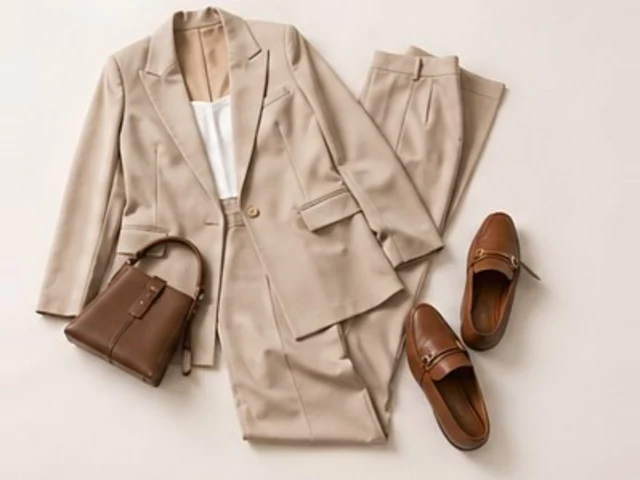
Fashion Studio AI can suggest outfits using items saved in your Wardrobe. Add a useful mix of clothes, choose an occasion in AI Stylist → Suggestions, then review and save the combinations. Manual outfit building is available when you want to choose every piece yourself.
Who it is for and what you need
Use this workflow when you want to wear more of your existing clothes. Sign in, add at least five different items to unlock Suggestions, and check their categories. For complete outfits, include shoes and a dress or a top-and-bottom combination, plus useful layers. A larger count alone cannot compensate for missing categories. Keep possible purchases in Wishlist.
Five steps from wardrobe to outfit
- 1.Open Wardrobe and add clear images of the pieces you own. Correct inaccurate names, categories and descriptions.
- 2.Open AI Stylist → Suggestions. Choose the occasion, season or mood and add notes such as walking, cooler evenings or no heels.
- 3.Leave Include Wishlist off to work with owned clothes. Check your allowance and the current action cost before asking for suggestions.
- 4.Review the actual garments in each suggestion. Edit a combination where needed, and use the feedback controls to say what works for you.
- 5.Save useful combinations to My Outfits. Try-on and collage actions are separate choices; check their costs before generating an image.
An existing public example: one sweater, three combinations
The site’s existing What Goes With This? demonstration starts with a teal sweater. Its displayed combinations are summarized below in English. They show how one item can be reused; they are not a new test run or a guarantee of what your wardrobe will produce.
| Starting item | Displayed combination | What to check |
|---|---|---|
| Teal sweater | Blue jeans, beige trench coat and white sneakers | Is the layer warm enough for the day? |
| Teal sweater | Brown wide-leg trousers, black blazer and beige handbag | Add or verify suitable footwear before saving. |
| Teal sweater | Black trousers, brown shoulder bag and sneakers | Check the actual fabric and comfort for your activity. |
AI suggestions, manual building and costs
Suggestions asks AI to choose combinations from your wardrobe. What Goes With This? starts from one chosen garment. Manual Capsule Builder lets you select pieces and compose outfits yourself for free; its AI generation is an optional paid action. AI allowances, credits and plan limits are listed on Pricing. A saved outfit does not automatically start a try-on.
Check current plans, allowances and AI action costs
Limits to keep in mind
Suggestions can repeat when the available wardrobe is small or the request is restrictive. AI explanations can be wrong about material, warmth or compatibility. Review missing pieces, laundry and dress codes yourself. A generated try-on is a visual approximation, not a measurement or fit guarantee.
Start with your own clothes
If sign-in is required, continue to the selected Suggestions tab after signing in.
Ready to try it yourself?
Explore try-on examples and create outfits with Fashion Studio AI.
Add to ChromeFrequently asked questions
Do I need to upload my whole wardrobe?
No. Start with at least five different items for Suggestions and enough categories to make complete outfits. Add alternatives as you need them.
Will it use clothes I do not own?
Leave Include Wishlist off to use owned clothes. When enabled, review the planned purchases separately before relying on a look.
Can I build an outfit without paying for AI?
Yes. Manual Capsule Builder supports choosing pieces and composing outfits for free. AI generation and try-on are separate actions with their own current costs.
Does a suggested outfit guarantee fit?
No. Review garment details, comfort and measurements yourself. An AI preview cannot establish exact sizing.
Last checked October 8, 2026 · Fashion Studio AI