AI Virtual Try-On vs Traditional Shopping: A Complete Comparison
Use virtual previews for visual decisions and physical fitting for the details a picture cannot measure.
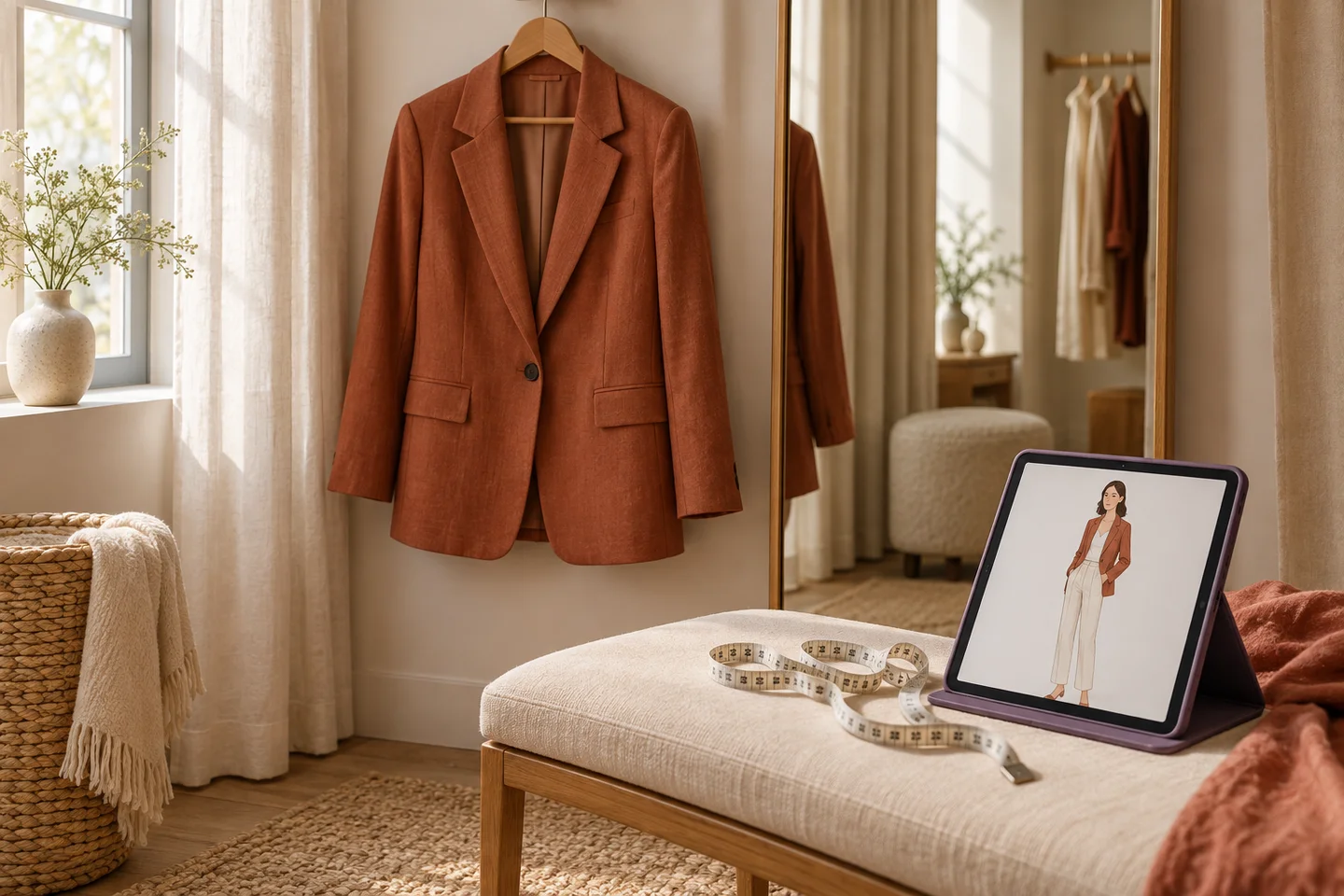
Virtual try-on can help you explore how a color or silhouette might look on you. Traditional fitting lets you feel the fabric, move in the garment and check pressure, length and comfort. Each method answers different questions.
What a visual preview can help with
Try a selected product image on your person photo, compare alternatives and consider whether you own pieces to wear with it. Save likely purchases to Wishlist, then use wardrobe matching to explore combinations before buying.
What still needs measurements or a fitting
A generated image does not verify shoulder width, waist tension, fabric stretch or exact length. Read the size guide and product measurements, and check the retailer’s return conditions. Inspect the generated garment for altered sleeves, missing details or anatomy errors.
Make the purchase decision more practical
Ask where you would wear the item and which owned shoes, bottoms, layers and bag would complete it. Do not count a Wishlist piece as something already available. A convincing image is not enough if the outfit does not fit your activities or comfort preferences.
Save combinations you can use
In Fashion Studio AI, build a manual capsule of up to 30 pieces for free, then make outfits yourself or request up to 10 AI combinations for 3 credits. A printable plan can help you use what you own before adding more.
Use virtual try-on as one source of information. The retailer’s measurements, your experience with the brand and physical comfort remain part of the decision.
Ready to try it yourself?
Explore try-on examples and create outfits with Fashion Studio AI.
Add to Chrome