The Fashion Influencer AI Workflow: Create More Content in Less Time
Plan a set of looks, review the details and export only the views you mean to share.
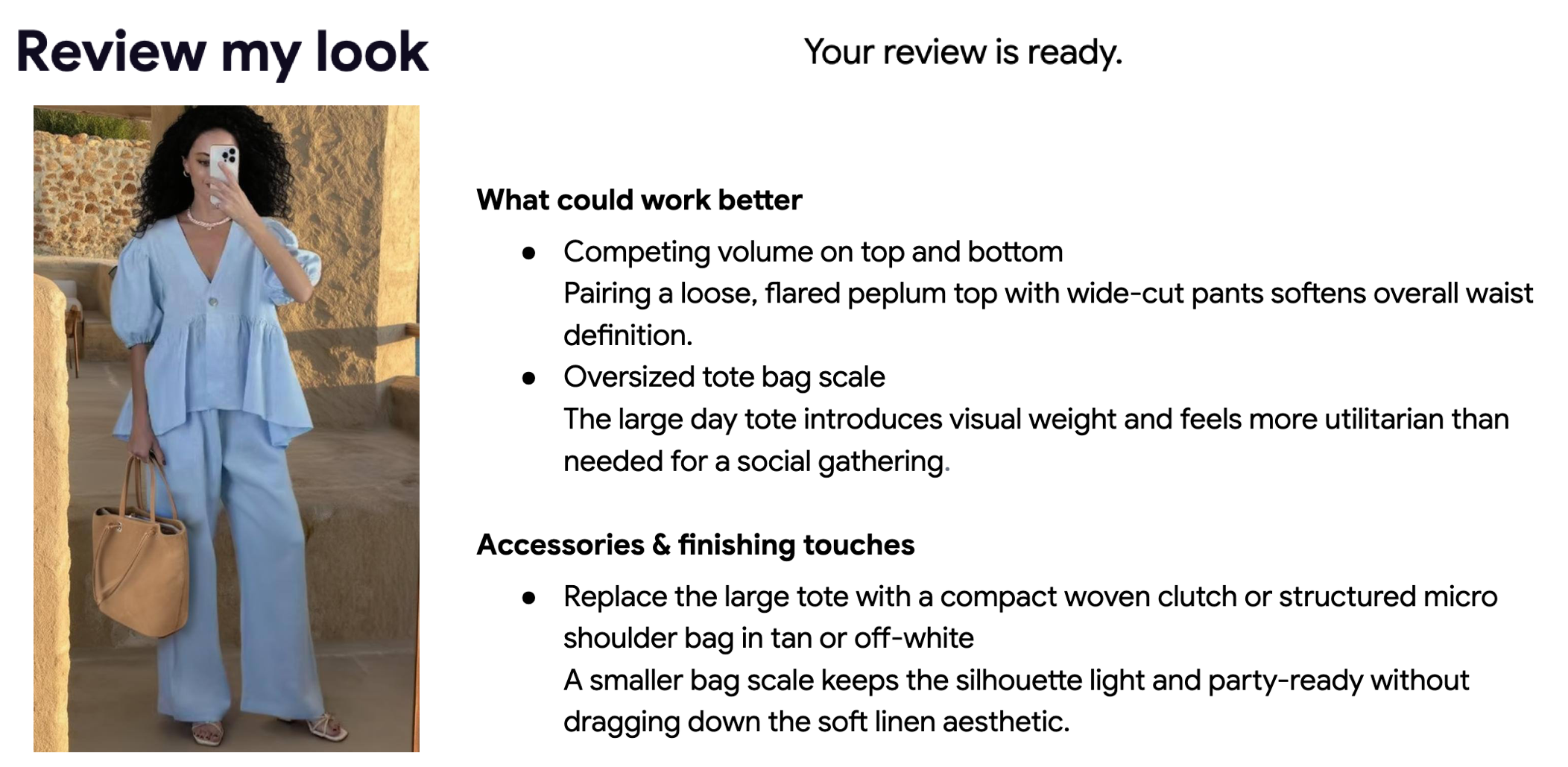
A repeatable content workflow starts with a small set of clothes and a clear purpose: a trip, a weekly outfit series or several ways to wear one item. Build around real garments so your audience can understand the combinations.
Prepare the wardrobe
Use clear garment photos and correct inaccurate categories or descriptions. Keep planned purchases in Wishlist. When a source image contains several pieces, save them separately so each outfit is named and represented correctly.
Build the series
Use Manual Capsule Builder to select up to 30 pieces and save the set for free. Make outfits manually or ask AI for up to 10 combinations for 3 credits. Review the generated suggestions and make your own versions of the combinations you like.
Review the visual details
Try an outfit on a selected person photo, or use Review My Look for qualitative styling feedback on an outfit photograph. Compare generated sleeves, prints and proportions with the source. A polished image can still contain errors.
Export and publish deliberately
Save a PDF or print the manual capsule and its looks for planning. In Community, preview the publication with its title and public name before submitting. A capsule publication shows only the card and palette and goes through moderation; the saved outfits remain private.
Check the current plan and the cost on each AI action before starting a batch. Editing, saving and manually composing a capsule do not automatically trigger the paid AI generation. Describe AI-generated visuals accurately when publishing them elsewhere.
Ready to try it yourself?
Explore try-on examples and create outfits with Fashion Studio AI.
Add to Chrome