Stop saving outfits on Pinterest. Try them on instead
Chrome Extension · 3 min read
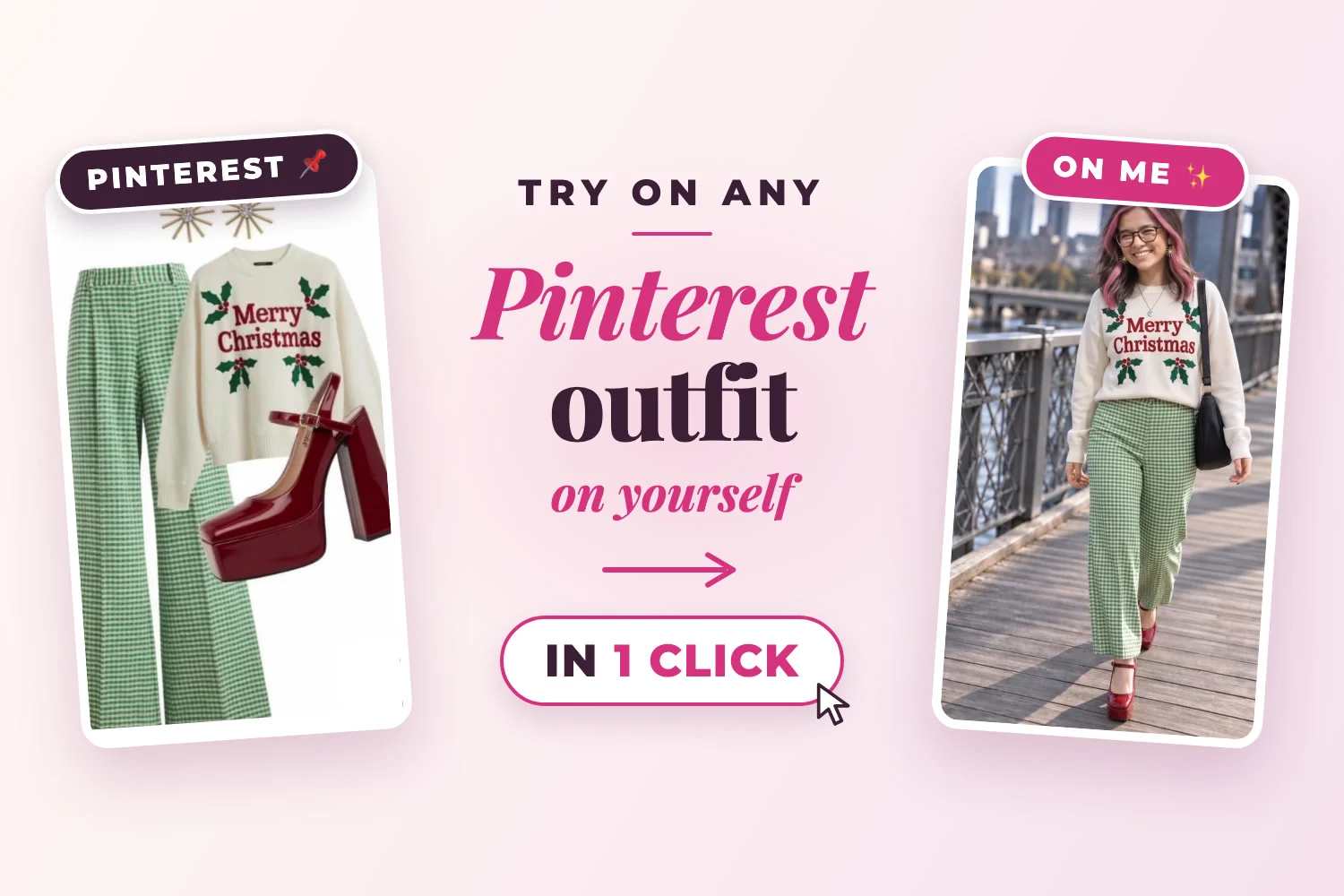
You save hundreds of outfits on Pinterest. But how would they actually look on you? Now you can find out in one click, right in your browser.
Why your Pinterest board never leaves the screen
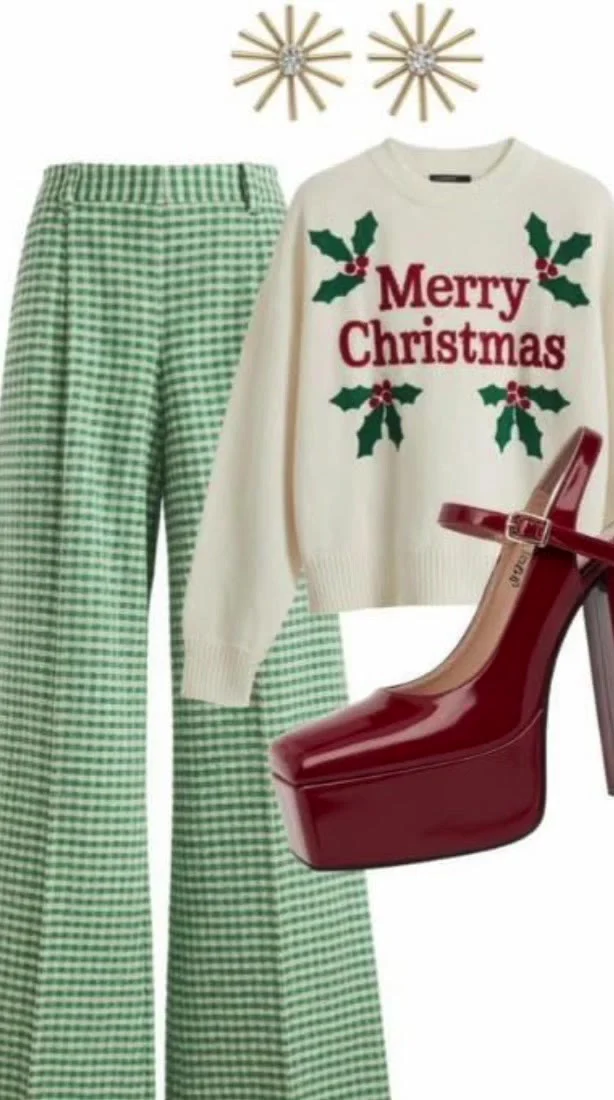
A pin shows the outfit on a model or as a flat lay. It doesn't show it on your body, your height, your style. So the board keeps growing, and you keep guessing.
A virtual try-on closes that gap. You see the look on yourself first, and then decide if it's worth buying or recreating.
How it works
The Fashion Studio AI extension for Chrome works on your computer, in the browser. It's free to install, and you can try it without signing up.
Step 1. Add the extension from the Chrome Web Store
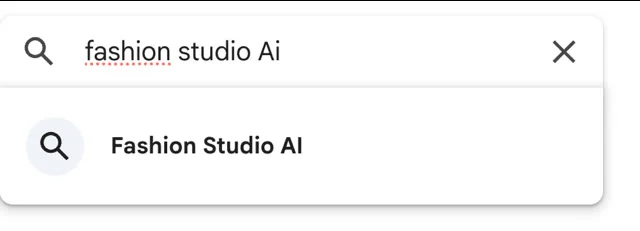
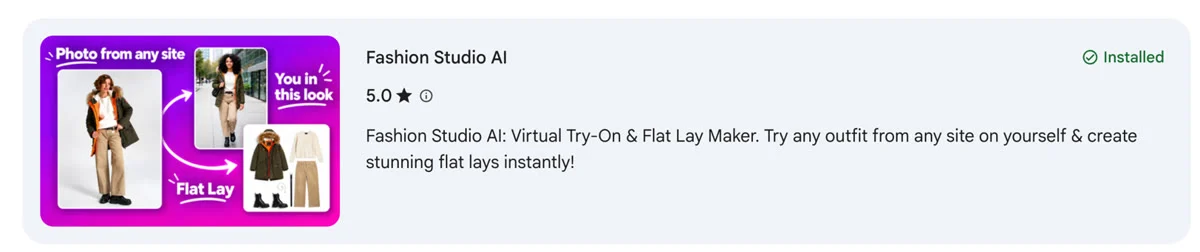
Open the Chrome Web Store, search for Fashion Studio AI and click Add to Chrome.
Step 2. Pin it to your toolbar
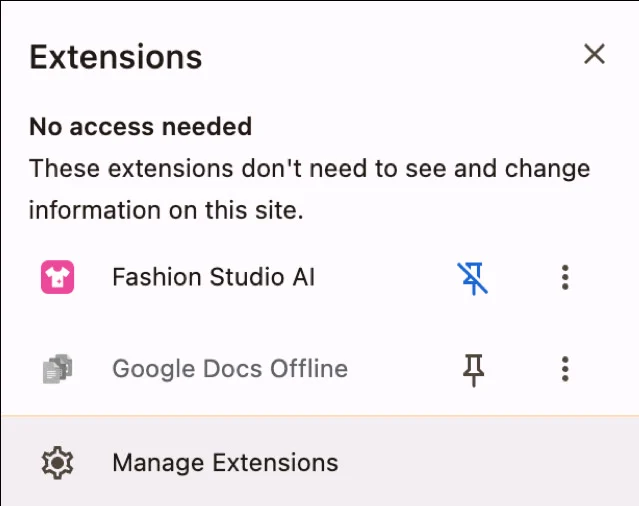
Click the puzzle icon next to the address bar and pin Fashion Studio AI. Now it's always one click away.
Step 3. Right-click any outfit on Pinterest
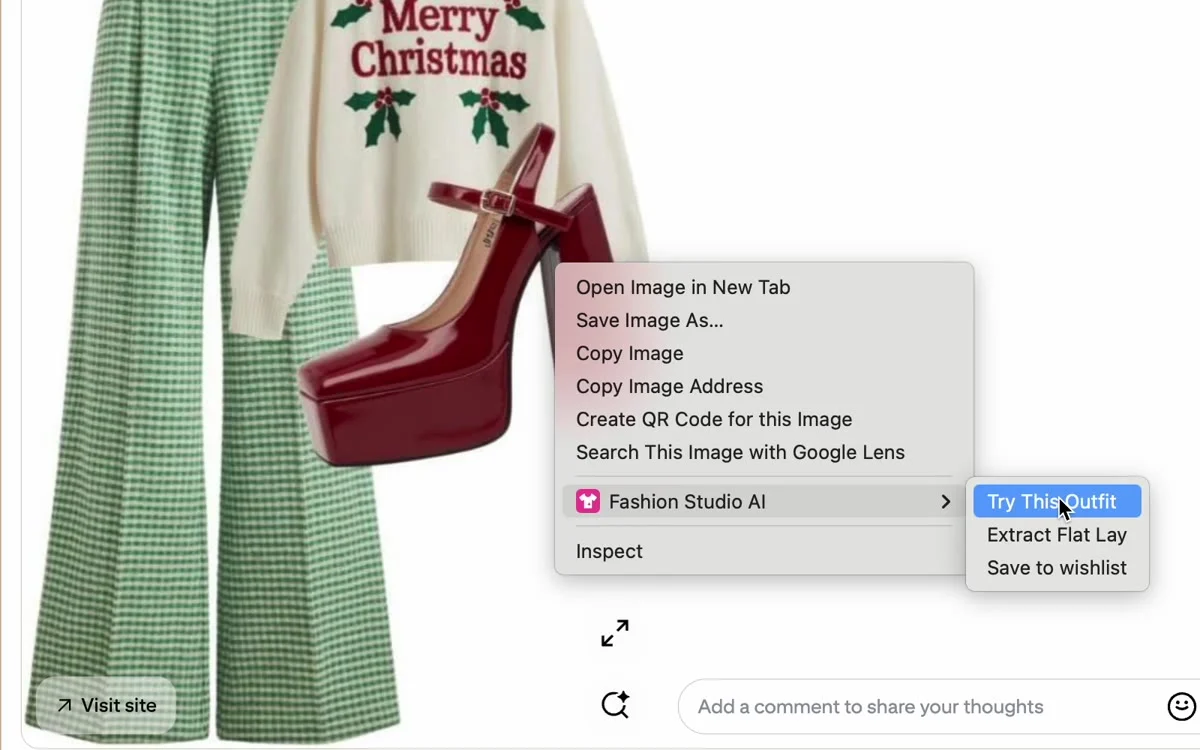
Find an outfit you love on Pinterest. Right-click the image, choose Fashion Studio AI, then Try This Outfit. A panel opens on the right with the outfit already in it.
Step 4. Add a full-length photo and start the try-on
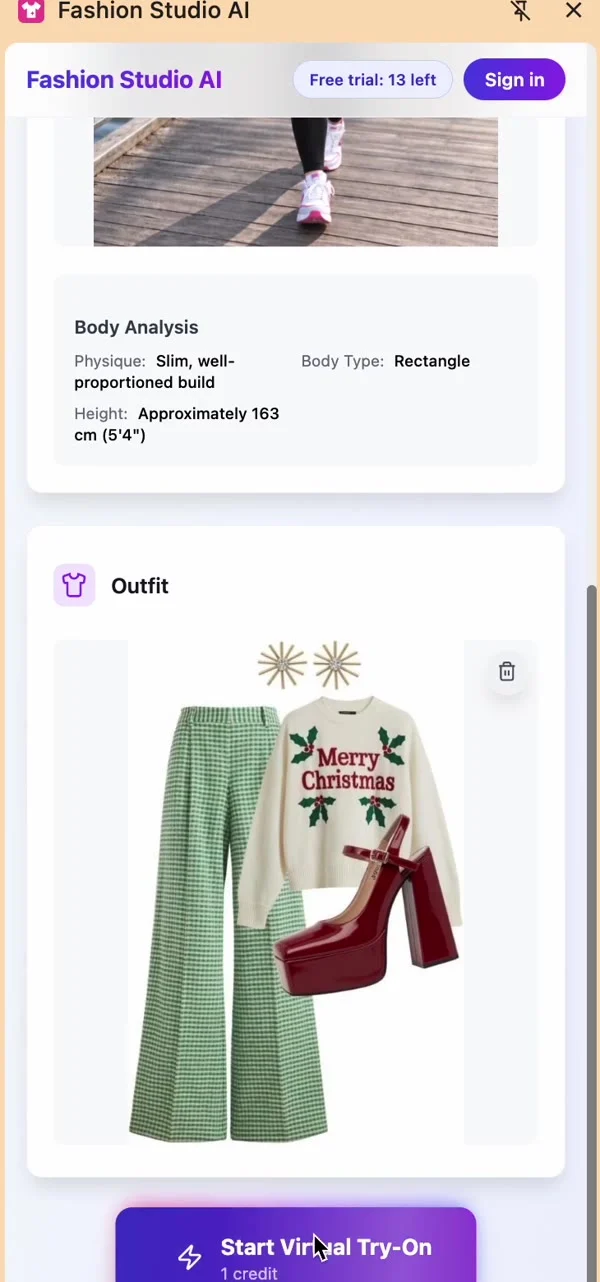
Click Click to upload your photo and choose a full-length photo of yourself. The AI reads your body type, then you click Start Virtual Try-On.
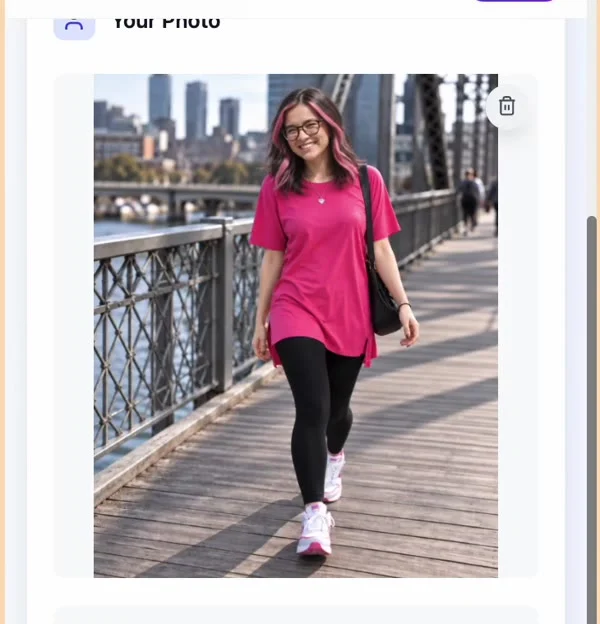
> Tip: a standing photo, facing forward, in fitted clothes gives the most realistic result.
Step 5. A few seconds later, that's you
The try-on is ready in about 15–20 seconds. Download it, save it to your wishlist, or try another outfit.
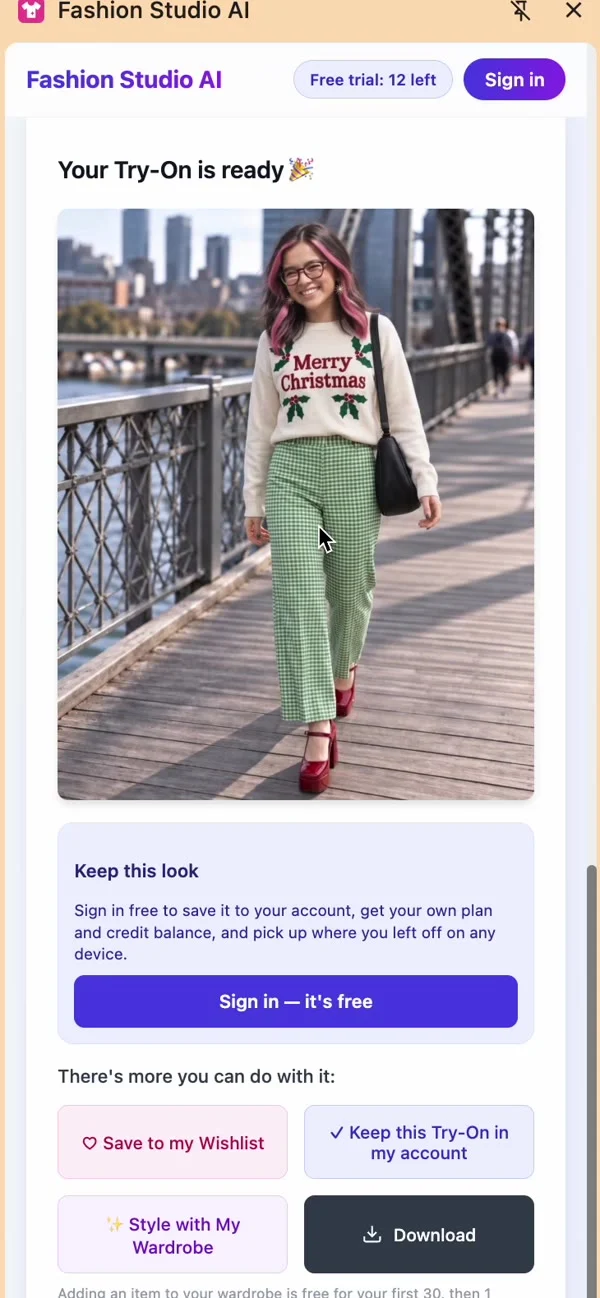
Pinterest saves the look. You wear it.

Free to try. Even better with an account
You can try the extension without signing up. Signing in takes seconds: just your email and a 6-digit code. Then you get:
- Free bonus credits for more try-ons.
- All your try-ons saved on fashion-studio-ai.com, on any device.
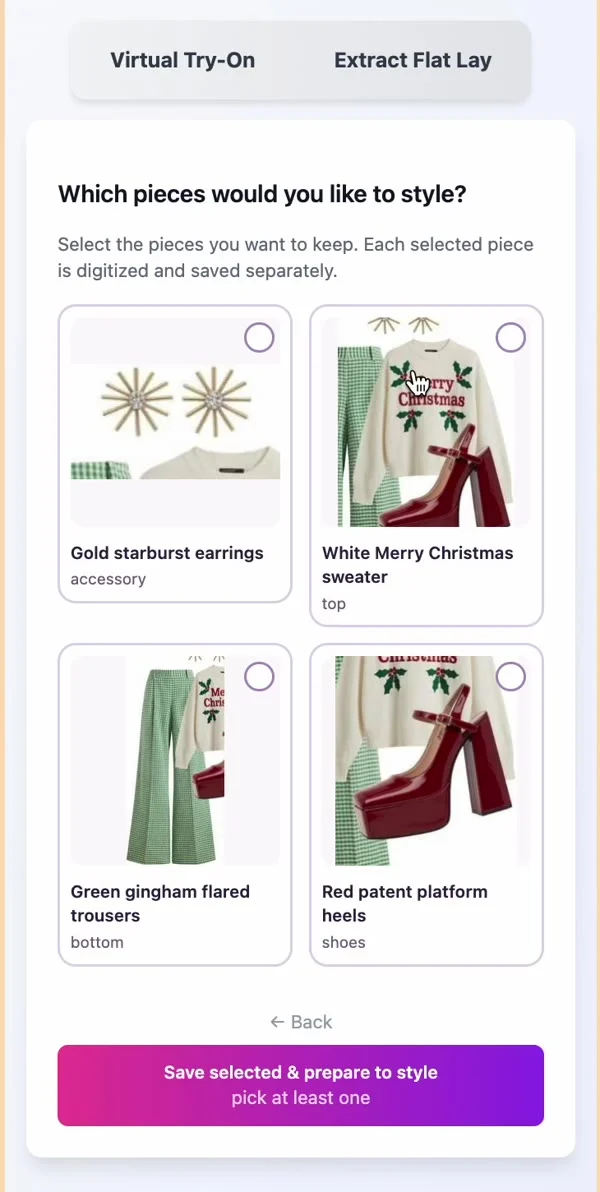
- AI stylist features, like Style with My Wardrobe: the AI finds each piece in the photo and adds it to your digital wardrobe.
3 tips for better try-ons
- Use a full-length photo. Head to toe, standing straight, good light.
- Wear fitted clothes in your photo. Loose or layered clothes hide your shape and make the result less accurate.
- Pick clear outfit images. Flat lays and product photos work best.
Try on any Pinterest outfit in 1 click
Get the free Fashion Studio AI extension for Chrome.
Ready to try it yourself?
Explore try-on examples and create outfits with Fashion Studio AI.
Add to Chrome