New tee… now what do I wear with it?
What Goes With This? · 3 min read
POV: you bought a new graphic tee and have zero idea what to wear it with. That was me, so I asked AI.
Why a new tee gets stuck in the closet
A graphic tee is easy to buy and surprisingly hard to style. The print does all the talking, so plain jeans can feel unfinished and anything with its own pattern fights with it.
So you try a few things on, nothing clicks, and you reach for your old favorite again. You rarely need to buy more. The right pieces are usually already in your closet, and you just haven't put them together yet.
Let AI style it
You need Fashion Studio AI with your wardrobe added, new piece included. Adding my clothes took me about 40 minutes, once. Here's exactly what I did, step by step.
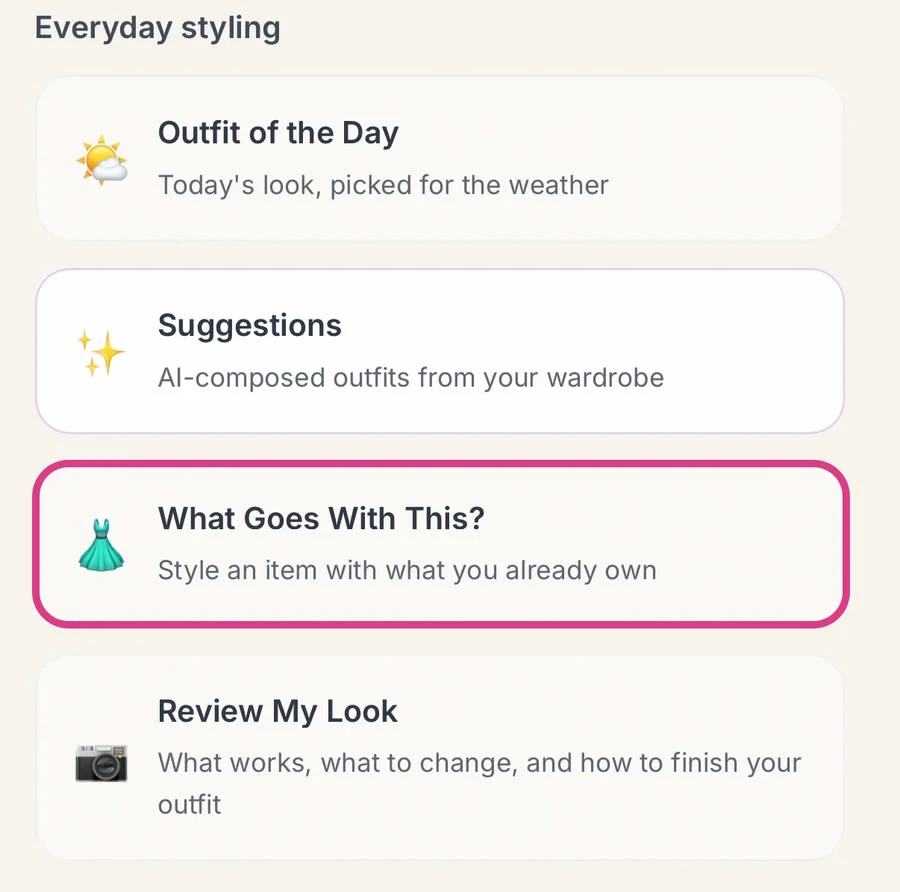
Step 1. Open What Goes With This?
Go to fashion-studio-ai.com → AI Stylist → What Goes With This?
Step 2. Choose a piece from your wardrobe
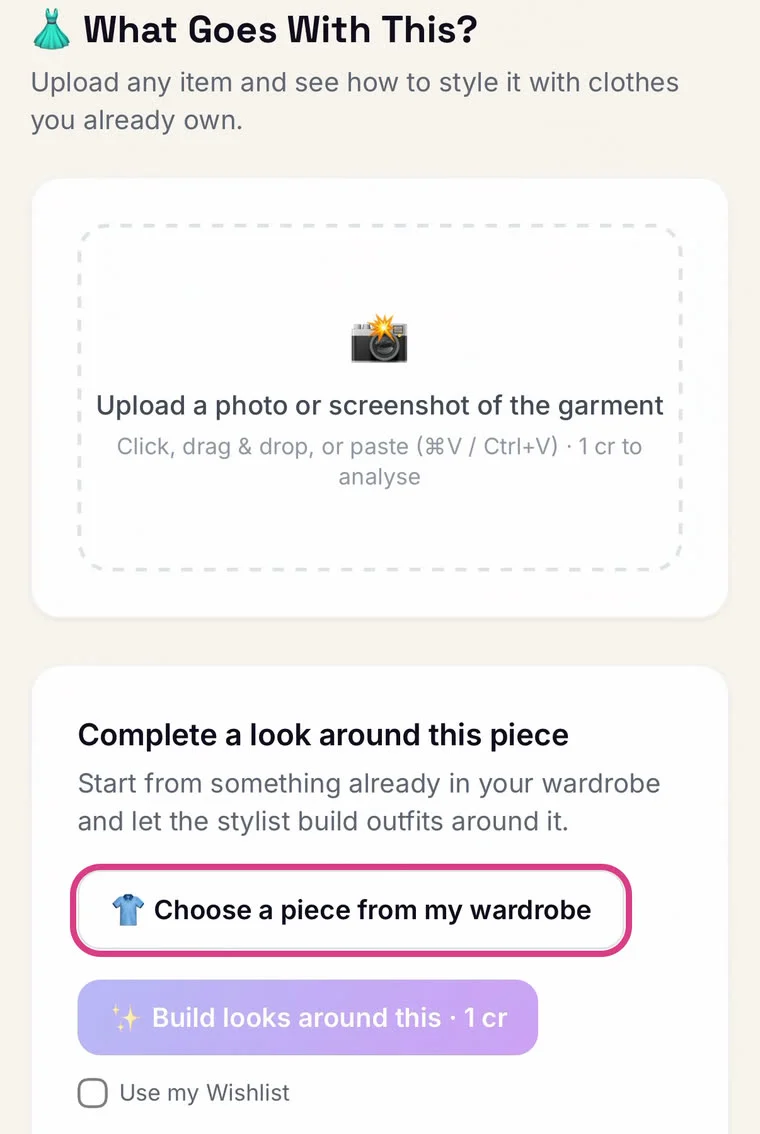
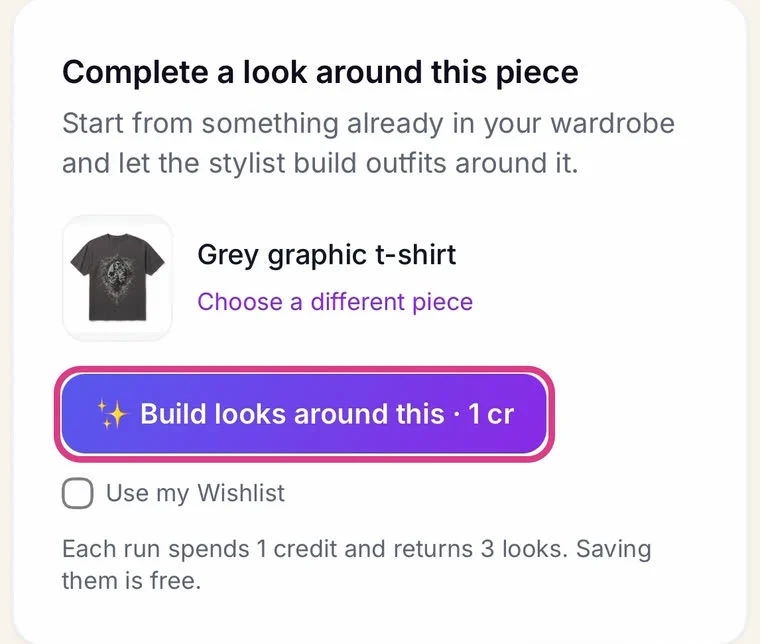
Find the block Complete a look around this piece and tap Choose a piece from my wardrobe.
Step 3. Pick your new tee
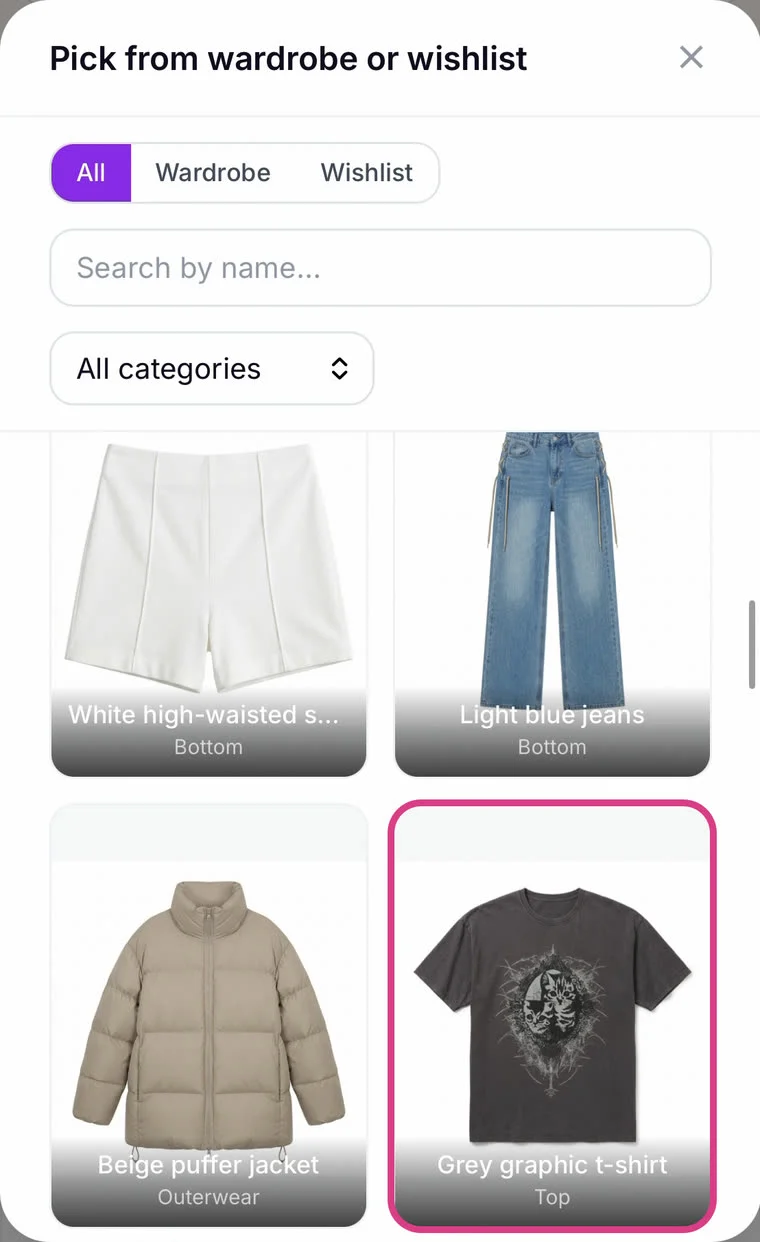
In Pick from wardrobe or wishlist, scroll or search by name and tap the piece. Mine is the grey graphic t-shirt.
Step 4. Tap Build looks around this
One run spends 1 credit and returns 3 looks, and saving them is free. Mine took about a minute.
Step 5. Get 3 looks from your own closet
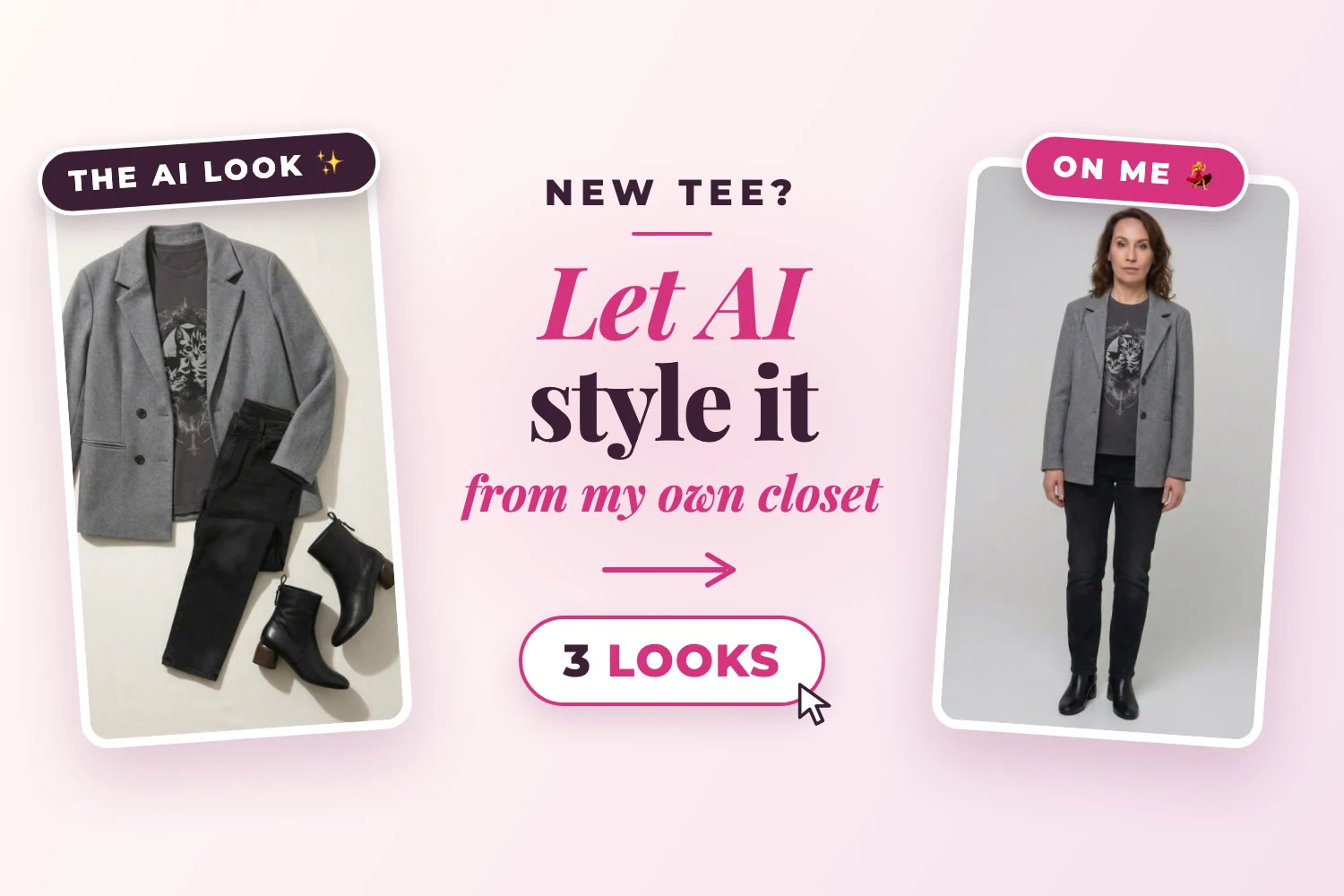
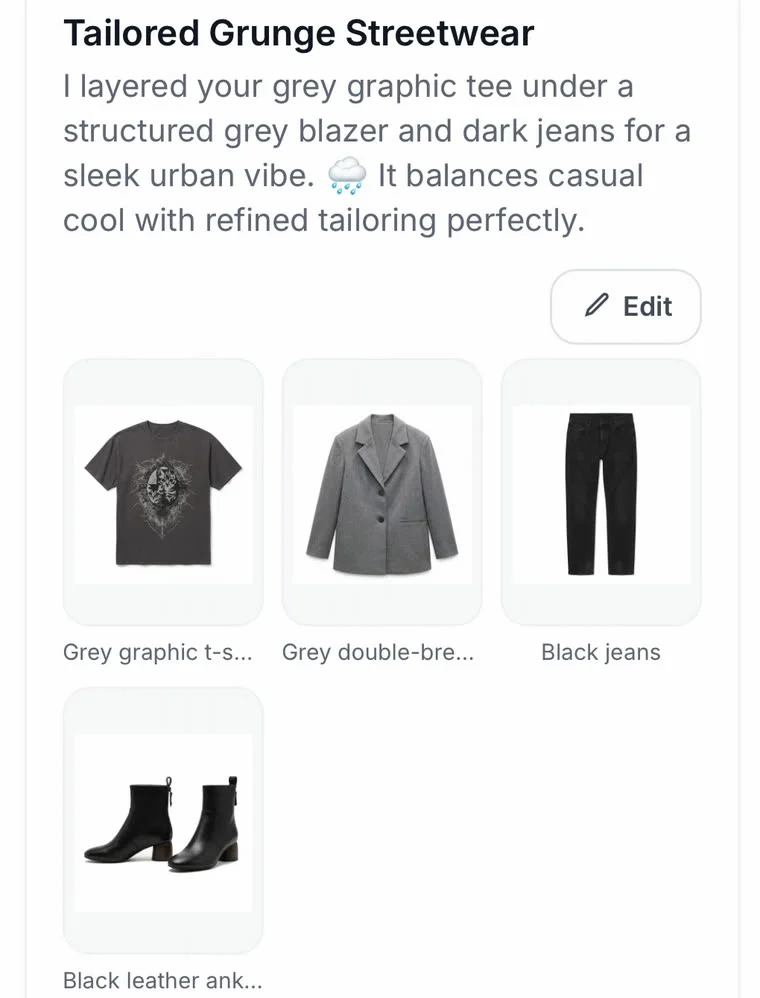
The AI put together 3 looks from my own wardrobe, and this is the one I loved: Tailored Grunge Streetwear.
Step 6. See your favorite as one picture
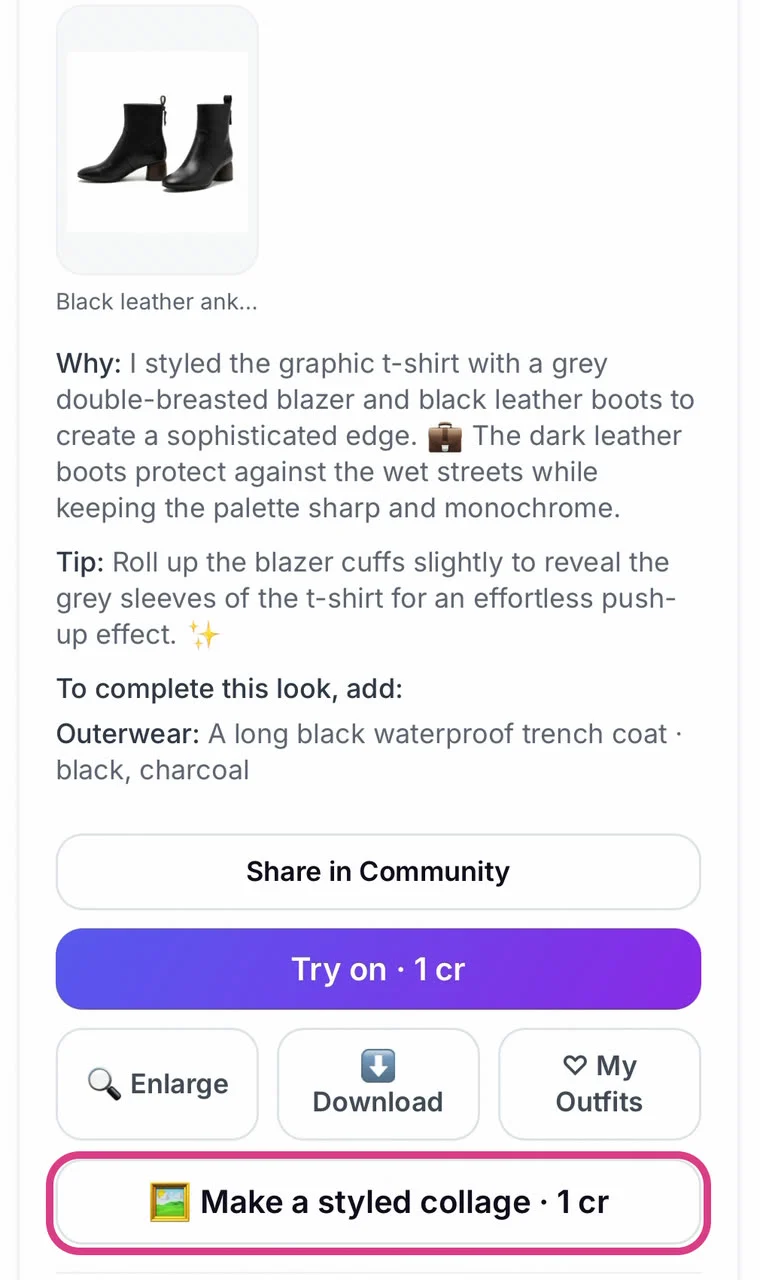
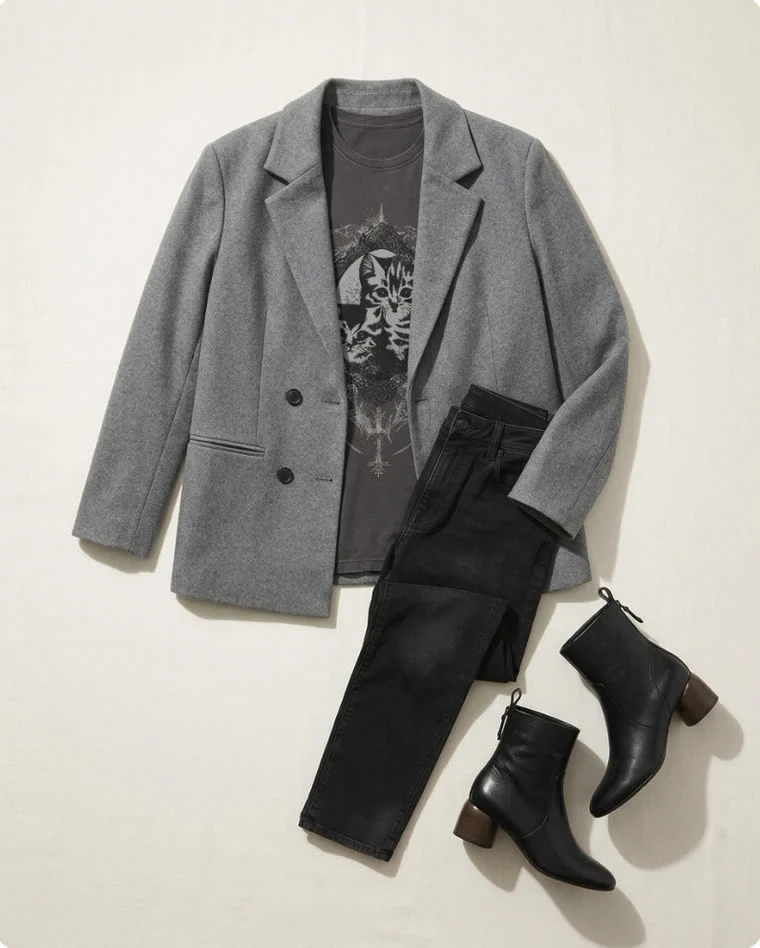
Under the look, tap Make a styled collage and the AI lays the whole outfit out for you. It usually takes 15 to 25 seconds.
Step 7. Try it on yourself
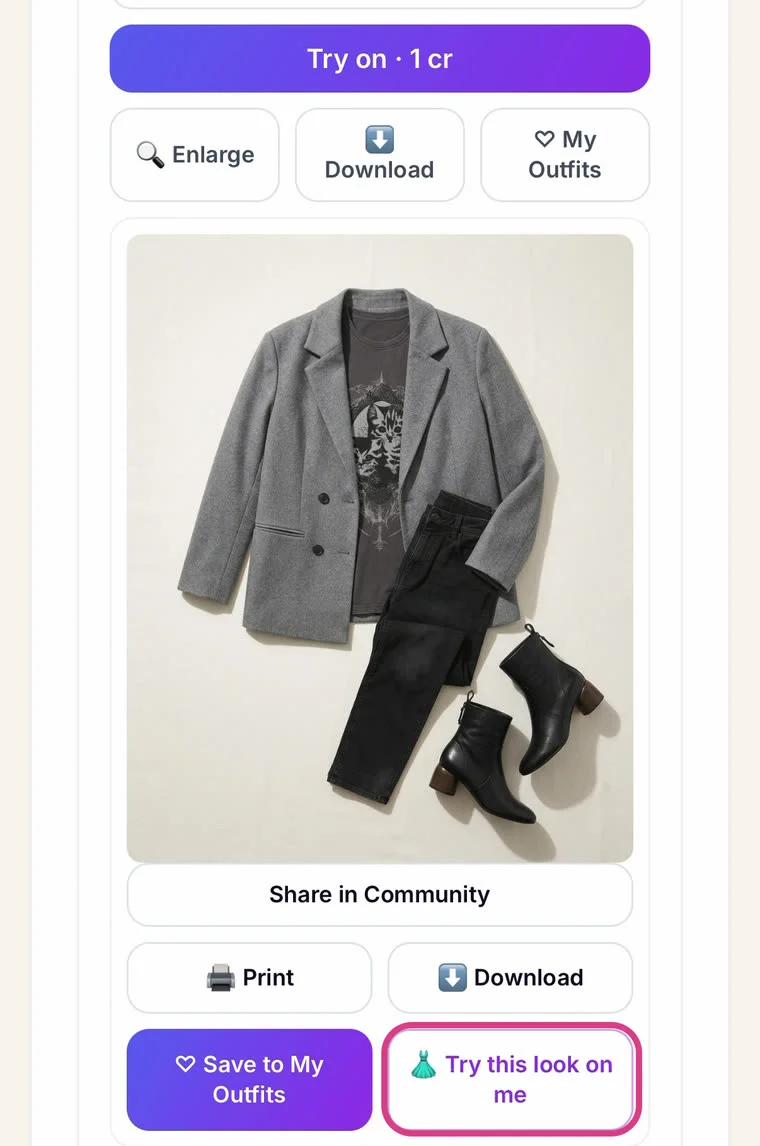
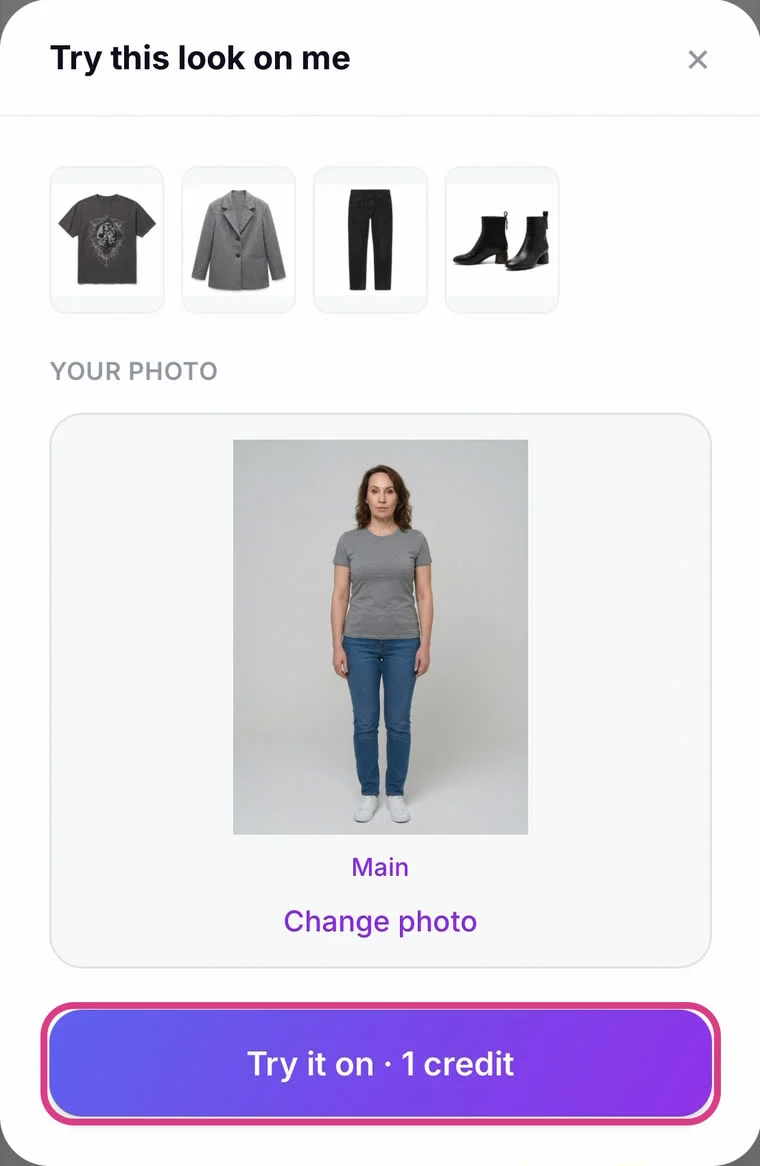
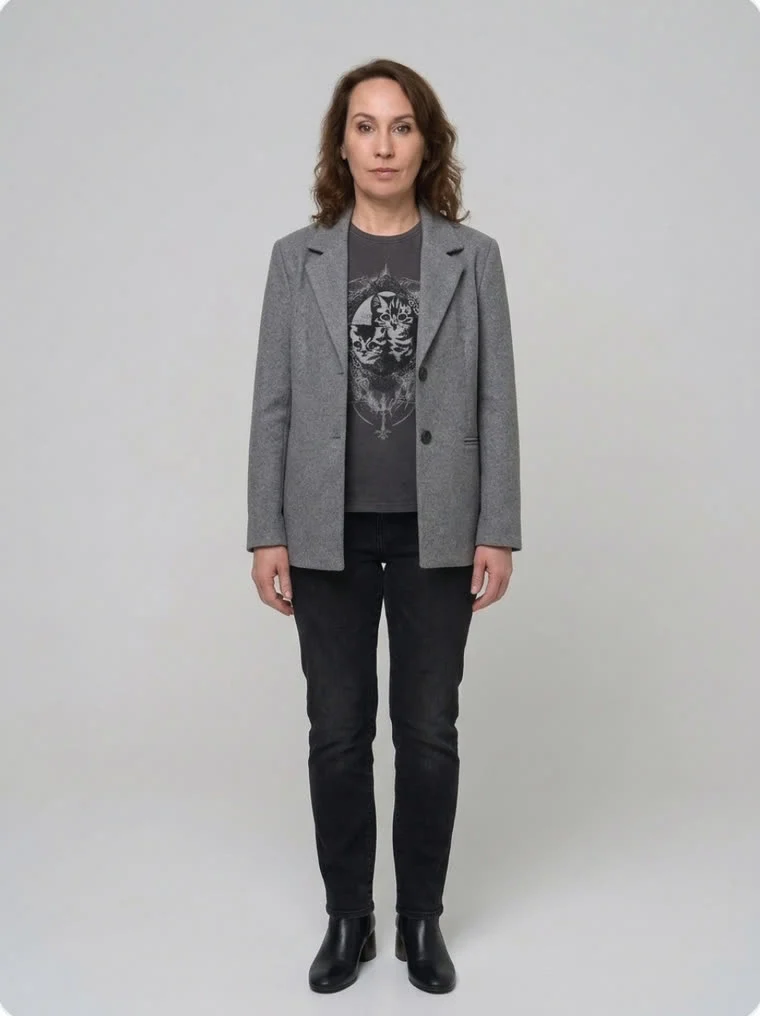
Tap Try this look on me, check your photo (Change photo if you want another one) and tap Try it on. It usually takes 15 to 30 seconds.
New tee, new look
And done. A grey blazer, black jeans, ankle boots and the tee I didn't know how to wear. Three looks from my own closet, and I didn't have to pull a single thing off a hanger. One new piece, three outfits, nothing else to buy.
3 tips for styling a new piece
- Read the Why and the Tip. Small details change a look. Mine said to roll up the blazer cuffs slightly so the tee's sleeves show.
- Not in your wardrobe yet? On the same page, tap Upload a photo or screenshot of the garment and see how to style it with what you own.
- Keep the looks you love. Tap My Outfits under a look so it's there the next morning. Saving is free.
New tee? Let AI style it
See what your next new piece goes with in your own closet.
Ready to try it yourself?
Explore try-on examples and create outfits with Fashion Studio AI.
Add to Chrome