Fashion Studio AI vs Whering
Compare the tasks you need: wardrobe organization, shopping previews, capsule building and sharing.
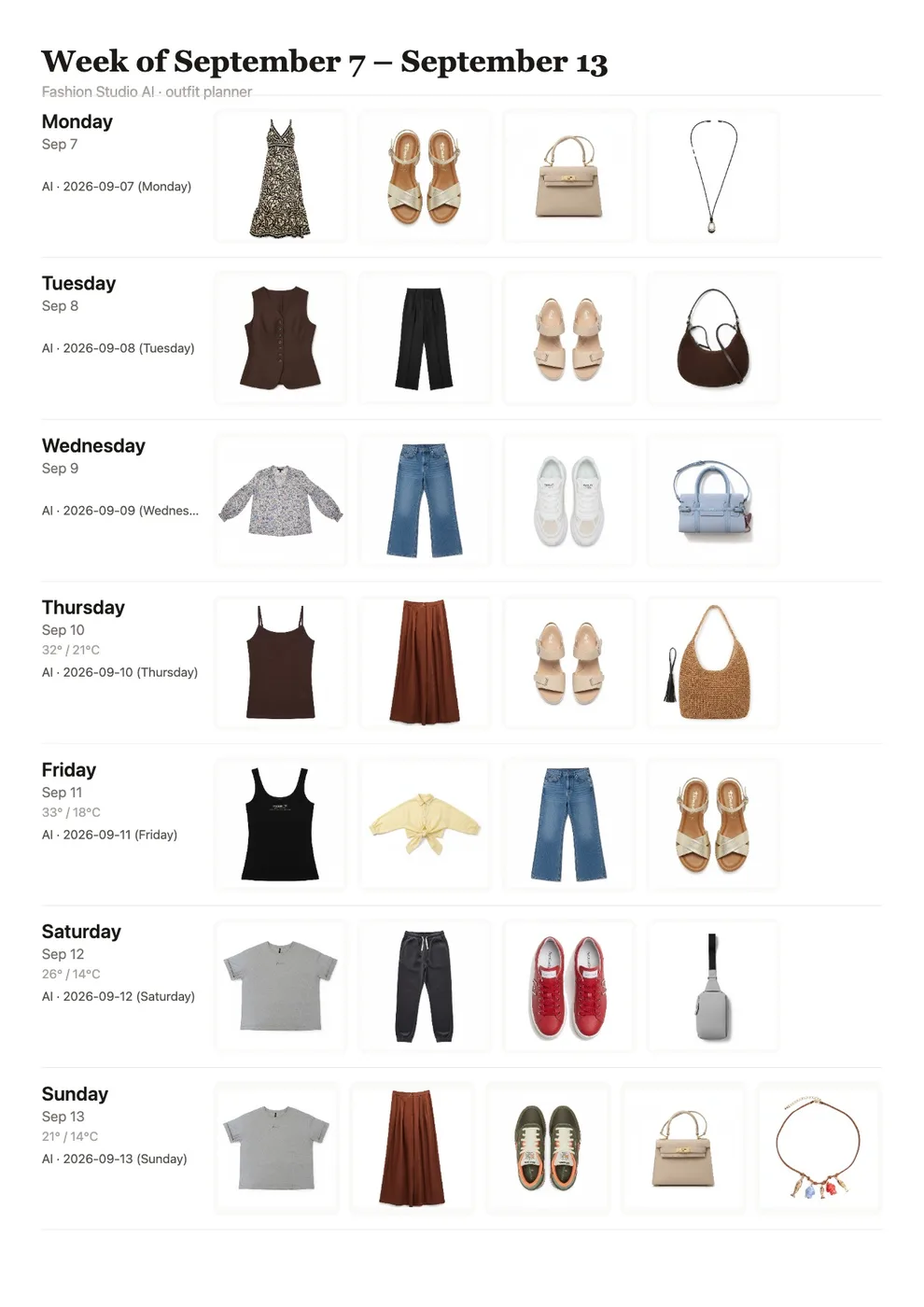
Both products help you work with the clothes you own. We build Fashion Studio AI, so this is a guide to testing the workflows, not an independent ranking or a guarantee that our recommendations will suit everyone.
What Whering describes today
Whering’s official website describes a digital wardrobe, daily styling suggestions, friends’ wardrobes, wishlists, packing and cost-per-wear statistics. It also links to its Chrome extension. These capabilities overlap with parts of our product; it would be misleading to describe Whering as only a catalogue.
What to try in Fashion Studio AI
Try a selected product image on your person photo, compare a garment with your saved wardrobe, or ask for feedback through Review My Look. For a trip, give AI Stylist your plans and temperature. For full control, manually choose up to 30 capsule pieces and make outfits for free. Optional AI generation from that capsule costs 3 credits for up to 10 looks.
Community is available: capsule sharing publishes a static card and palette after moderation. It does not expose the capsule’s private outfits or make the capsule expandable for other readers.
Compare using the same clothes
Use a few familiar pieces, including shoes, a layer, a bag and an accessory. Try one everyday outfit and one travel scenario. Compare editing effort, usefulness of suggestions, export options and the actions you would repeat each week.
Check current platform availability and prices on each product’s own site or app listing. A feature missing from a summary is not evidence that the other product lacks it.
Ready to try it yourself?
Explore try-on examples and create outfits with Fashion Studio AI.
Add to ChromeFrequently asked questions
Does Fashion Studio AI have Community?
Yes. Publications are reviewed before appearing publicly; shared capsules show their card and palette only.
Which is better for me?
Test the workflows you actually need using the same clothes and constraints. This article does not establish a universal winner.
Last checked September 27, 2026 · Fashion Studio AI